




With LiveChat mobile apps, you don’t have to spend time at your computer to stay on top of your leads. You can chat from anywhere: while you commute, wait for an appointment, or while shopping. The mobility will make winning new customers easy, since you’re always there to respond!
Available applications
We have a mobile app both for iOS and Android - follow the links below to download it for your device!
Available features
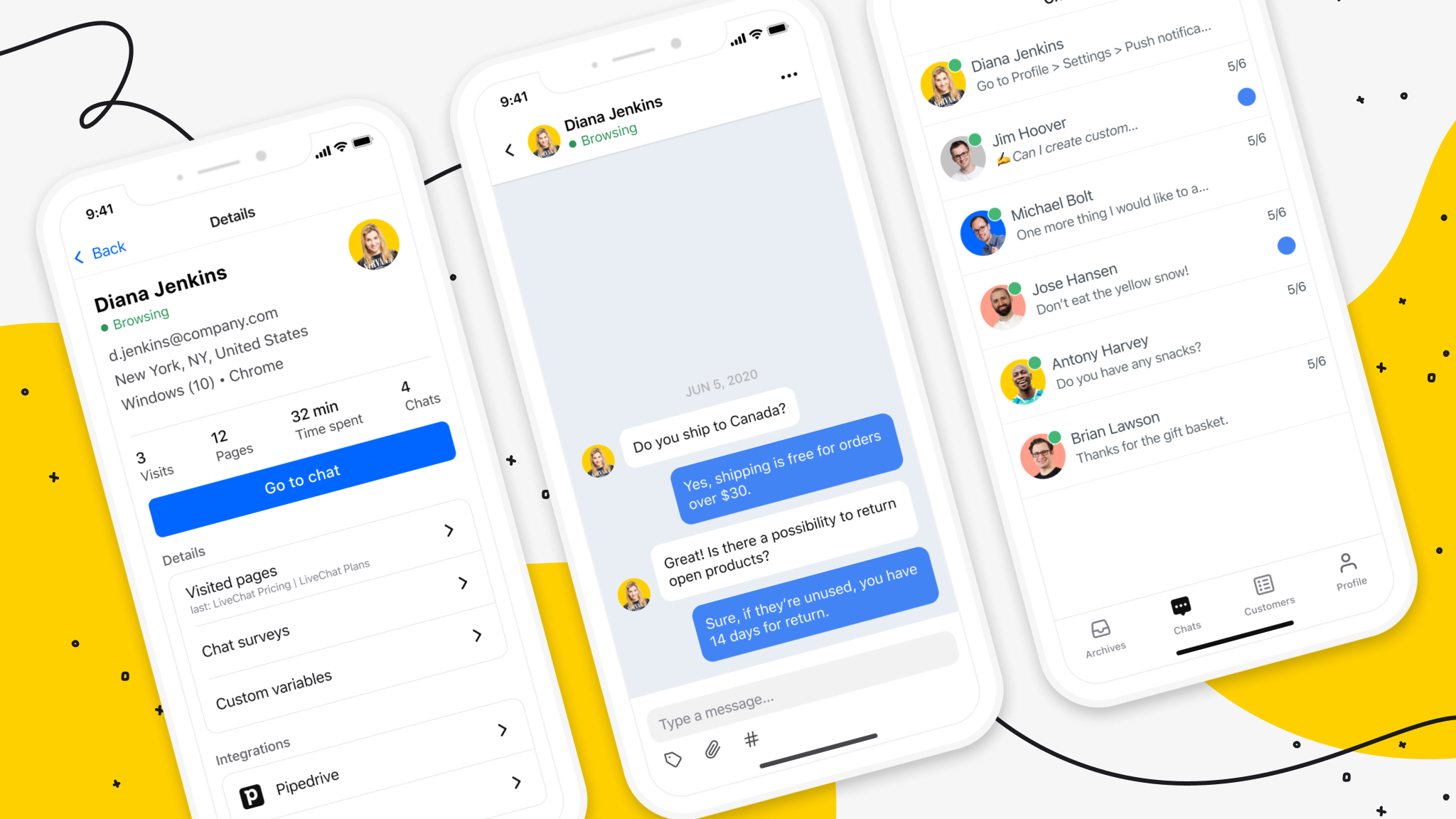
The mobile app can replace the web browser app or desktop app for everyday agent use and for supervisors. Apart from the ability to chat with multiple customers at the same time, inviting customers to chat, and supervising ongoing chats, our mobile apps let you:
- View and filter the list of visitors on your website,
- View Customer details in chat,
- View the customer’s message before they send it (sneak peek) and send pre-prepared ready-to-go responses,
- Easily switch between your ongoing chats, queued customers, unassigned chats, and supervised chats,
- Handle chats from multiple channels,
- Share files in chat,
- Personalize notifications to fit your specific needs,
- Select from a library of notification sounds to boost your workflow,
- Power up your asynchronous communication with HelpDesk tickets,
- Manage your team: add agents, change their permissions, if need be - log them out of the app,
- Easily switch to audio or video calls with the Snapcall integration.
On top of all of that now our mobile apps are even faster and less dependent on network connection quality.
Multiple instances
You can easily monitor what’s happening on your live chat using our mobile applications. Whenever there is a visitor willing to chat, you will get a notification.
You can be simultaneously using several devices. When at your desk, you can answer from the desktop app and when you need to leave your desk, you can easily use LiveChat on your mobile.