

It's all about making your business goals a reality.
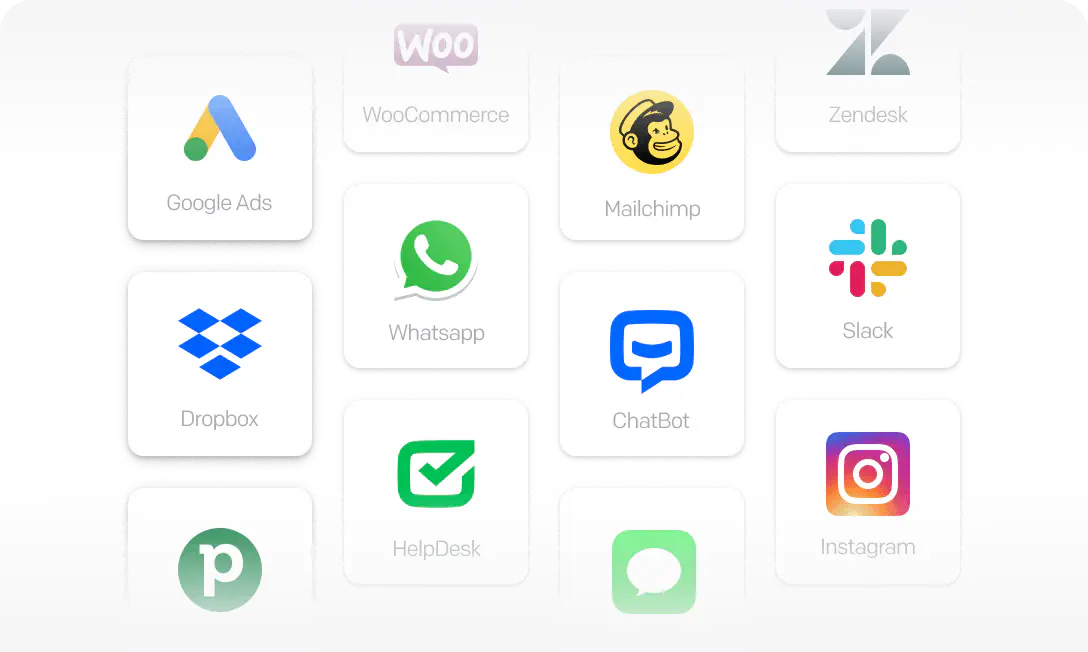
Improve your workflow by connecting LiveChat with apps you use every day. Create a personalized hub to manage all your customer interactions.
Visit Marketplace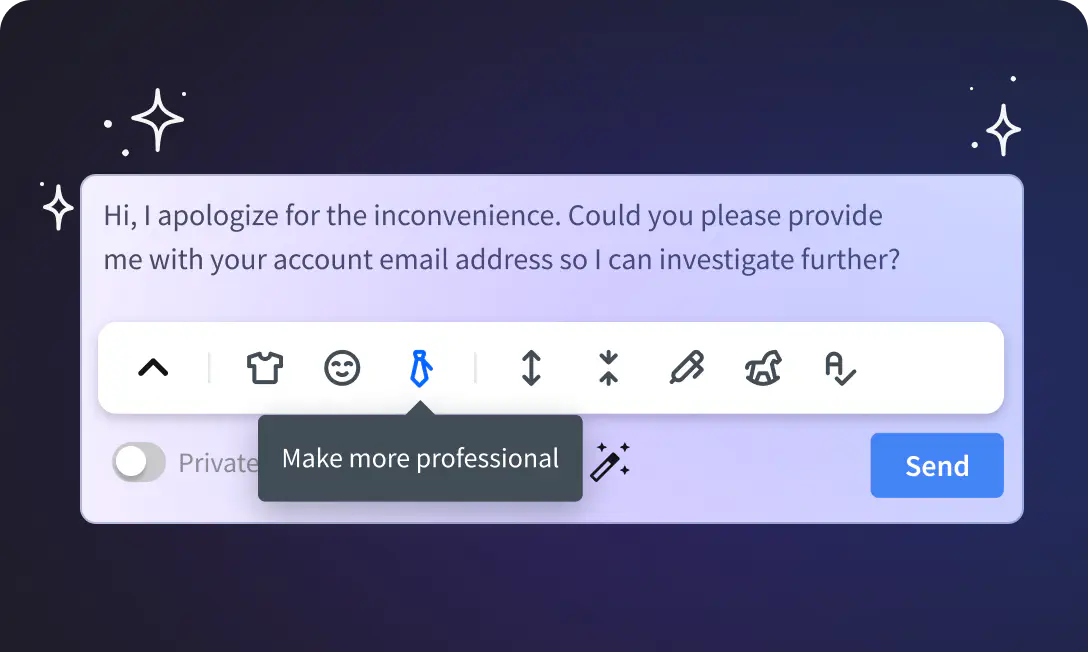
Provide detailed messages on the spot, reduce reply time, and improve communication with.
Read moreAdd LiveChat to your website and change how you communicate, for good.
Read more


Support customers with complete ticketing system.

Create your own bot and automate customer service with AI.

Help your customers and support teams at the same time.
Trusted by 37,000+ companies worldwide



Free 14-day trial Team plan features No credit card required