


Chat Widget
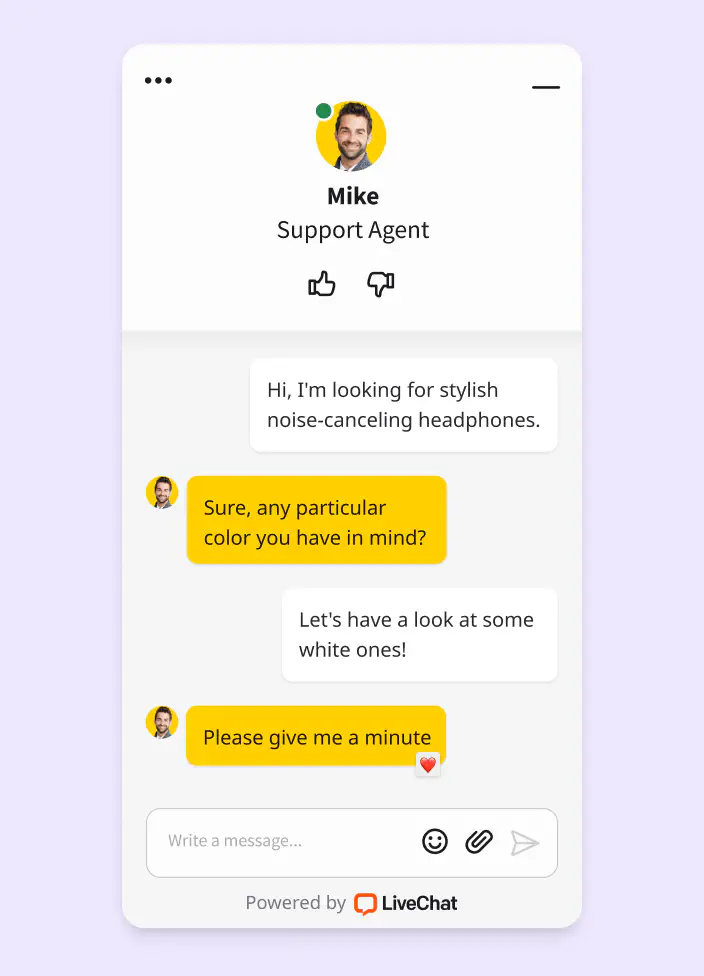
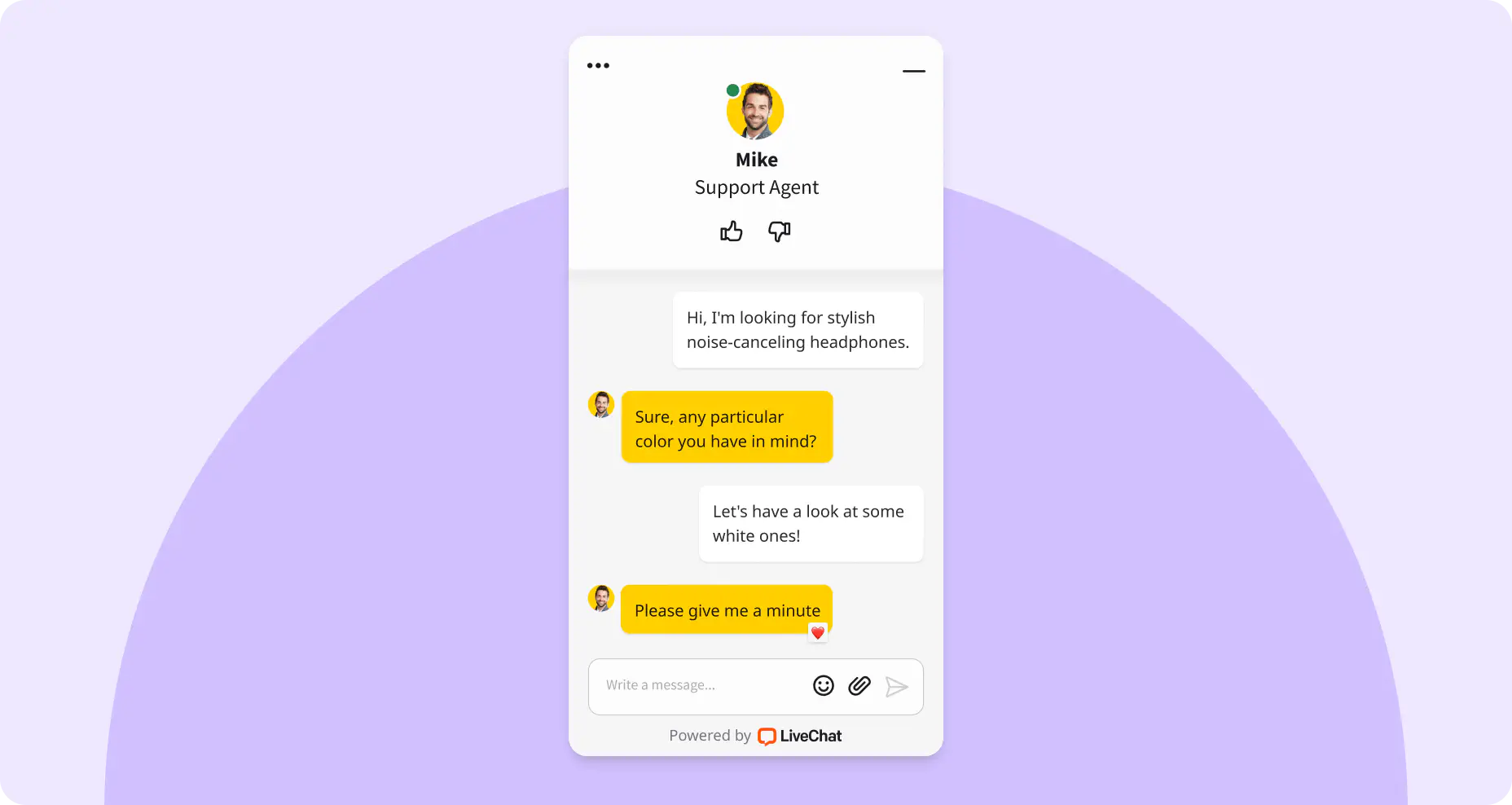
01LiveChat consists of the customer-facing Chat Widget and the Agent App. The Chat Widget, sometimes referred to as a chat box or chat window, is what you're probably more familiar with. It's what customers can see on your website once you've installed LiveChat and where they can start a chat.
Preview LiveChat
on your home page with one click
Make Chat Widget your own
While the Chat Widget is ready to use out of the box, it is also highly customizable. With just a few clicks, you can easily align it with your website branding and even preview it live on your web page. Here's what else you can do with the Chat Widget:
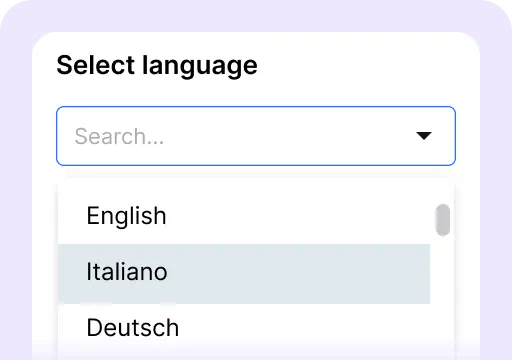
Select language
Change the Chat Widget language and set the first automatic message, giving your agents some extra time.
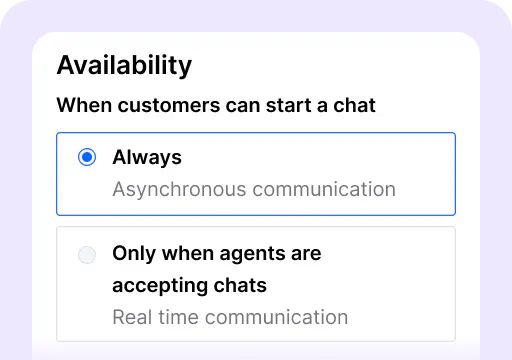
Set up availability
Decide if the customer can always leave a message or only when agents are online.
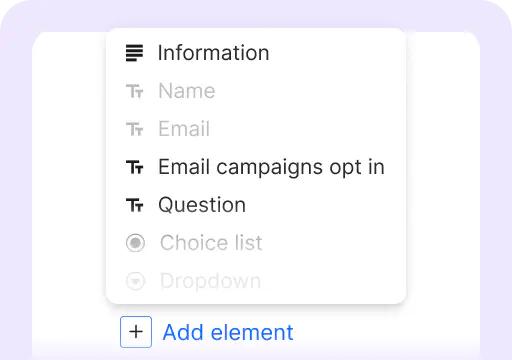
Set the pre-chat form
Collect leads or the post-chat to let customers rate the chat and leave comments.
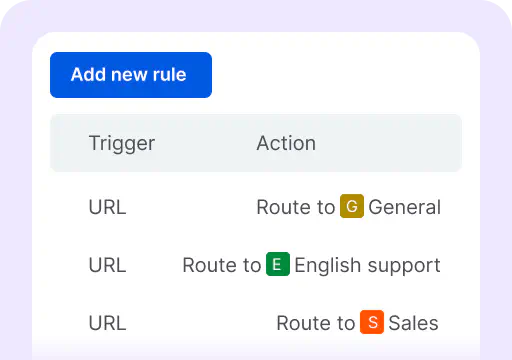
Use chat routing
Divide incoming chats by departments, such as product pages to sales and FAQ pages to support.
Home
02This is where you take your first steps with LiveChat and get an overview of the key metrics. If you just created your LiveChat account, you will see a to-do list with the first steps.
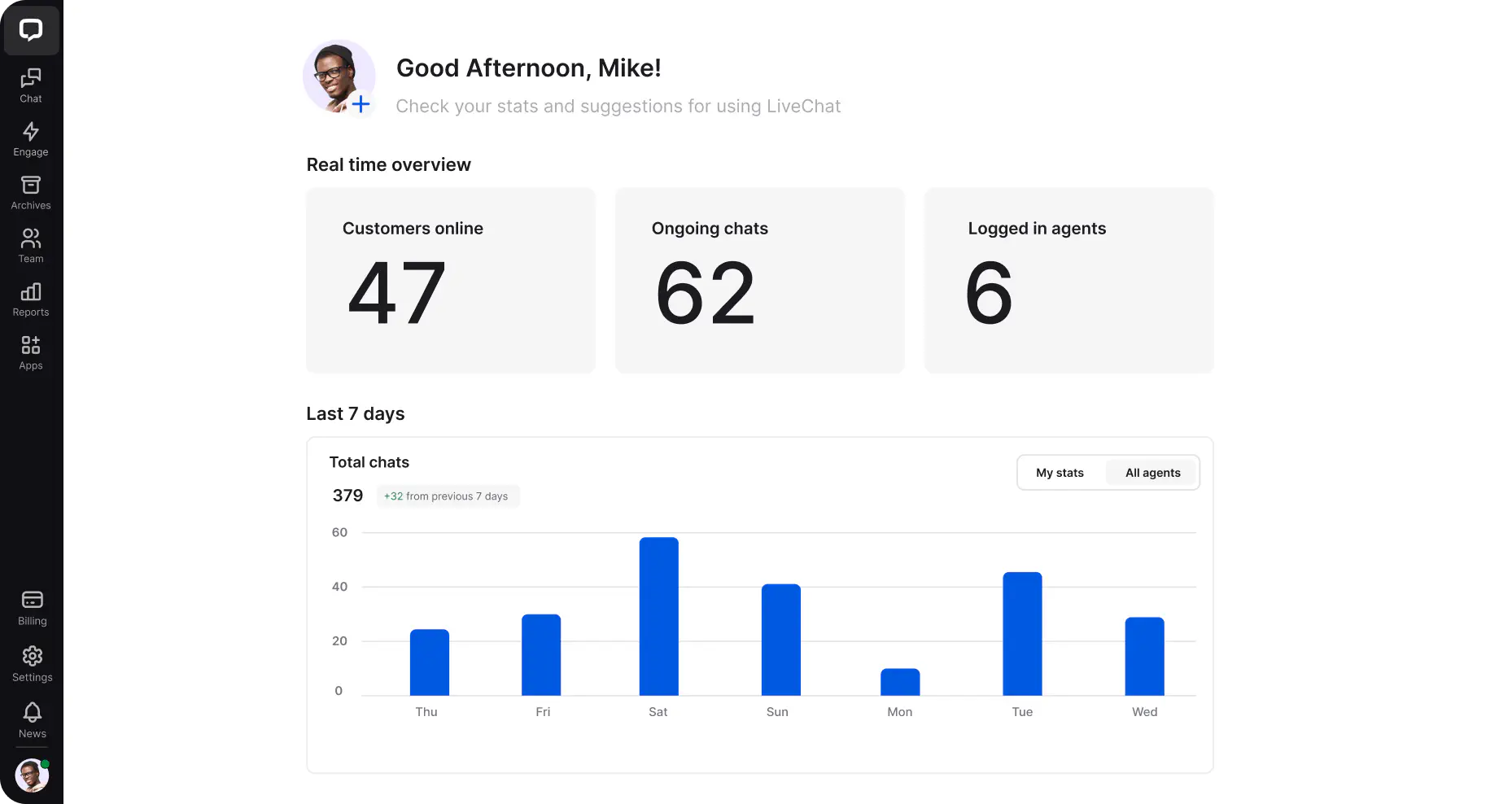
The Home section is where you can see all the key metrics at a glance:
Real-time overview
Get a general idea of what's going on with your LiveChat license, including the number of customers currently browsing your website, ongoing chats, and logged in agents.
Last 7 days
See the most important data, including total chats for the week, queued visitors, achieved goals, how many sales you got with LiveChat (you'll need to enable a sales tracker for that), and chat satisfaction.
Chats
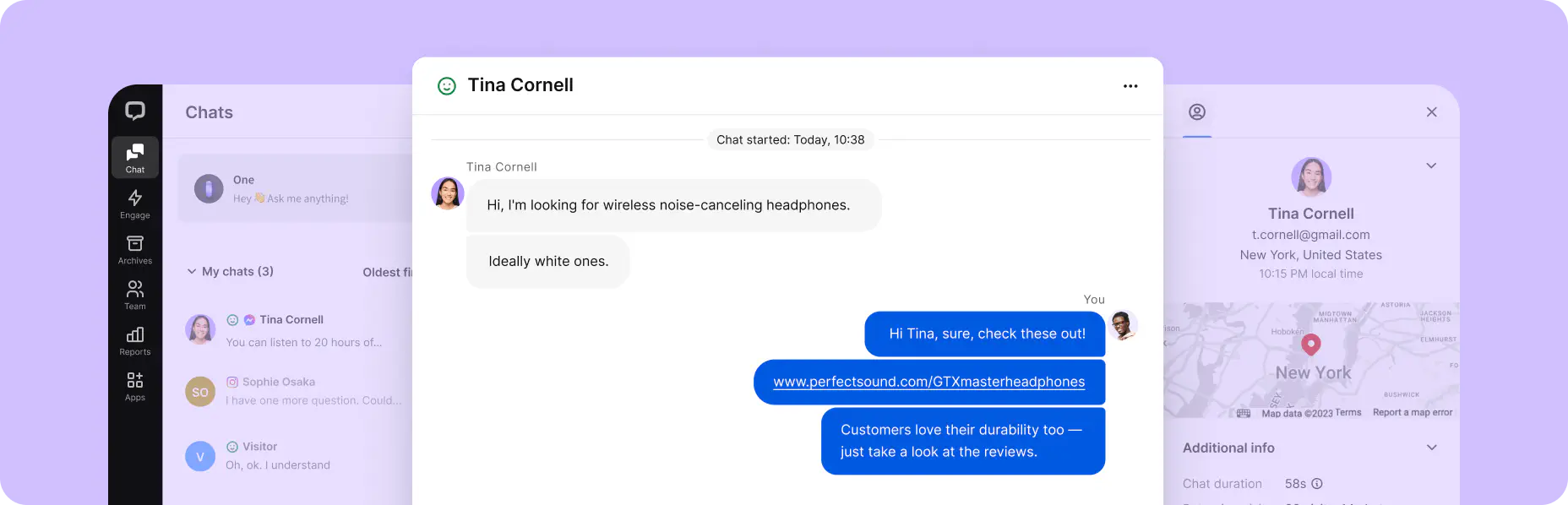
03The Chats section is where the communication between agents and customers happens, and it's subdivided into three key areas: chat list, chat feed, and customer details.
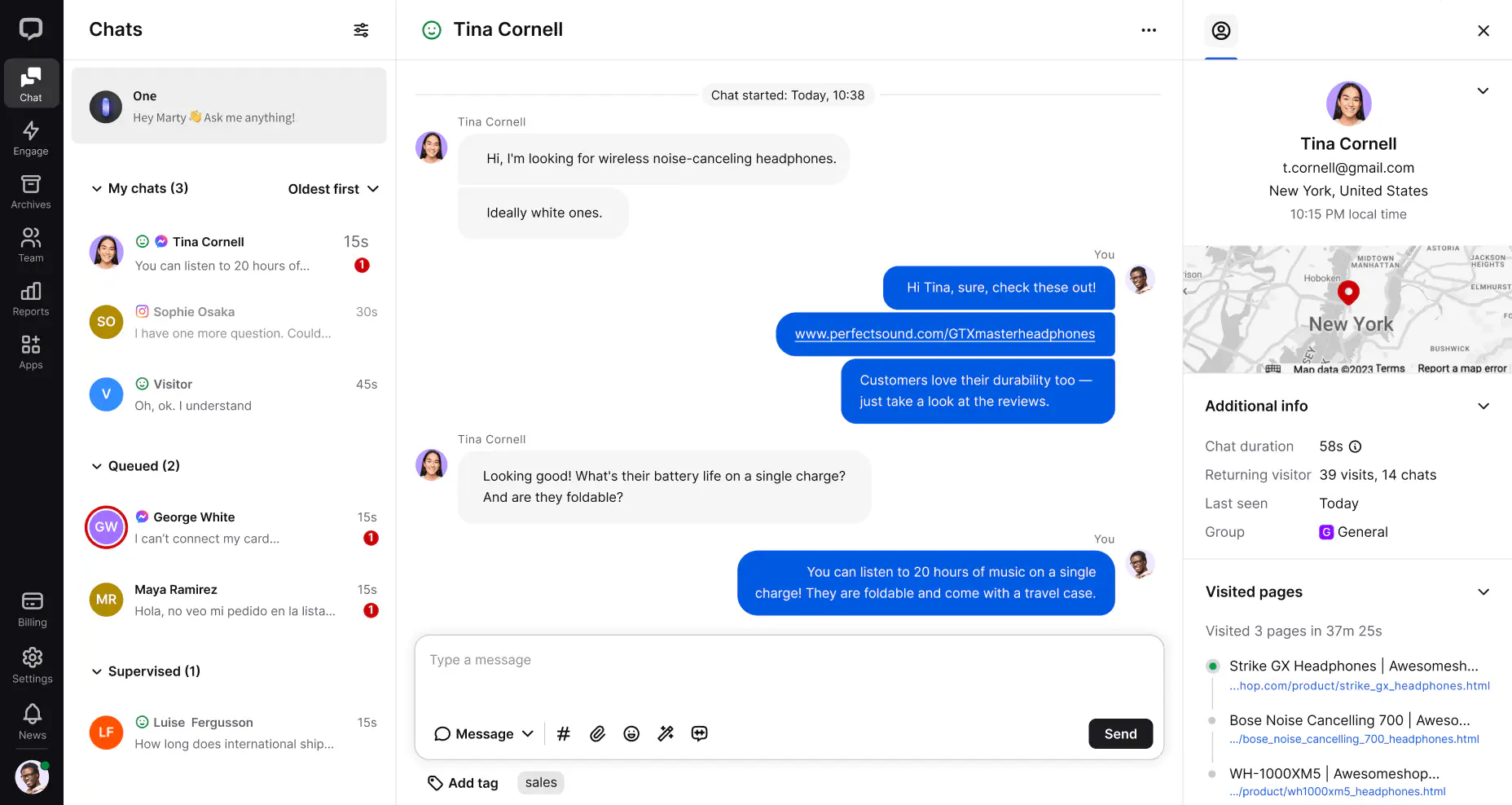
Chat list
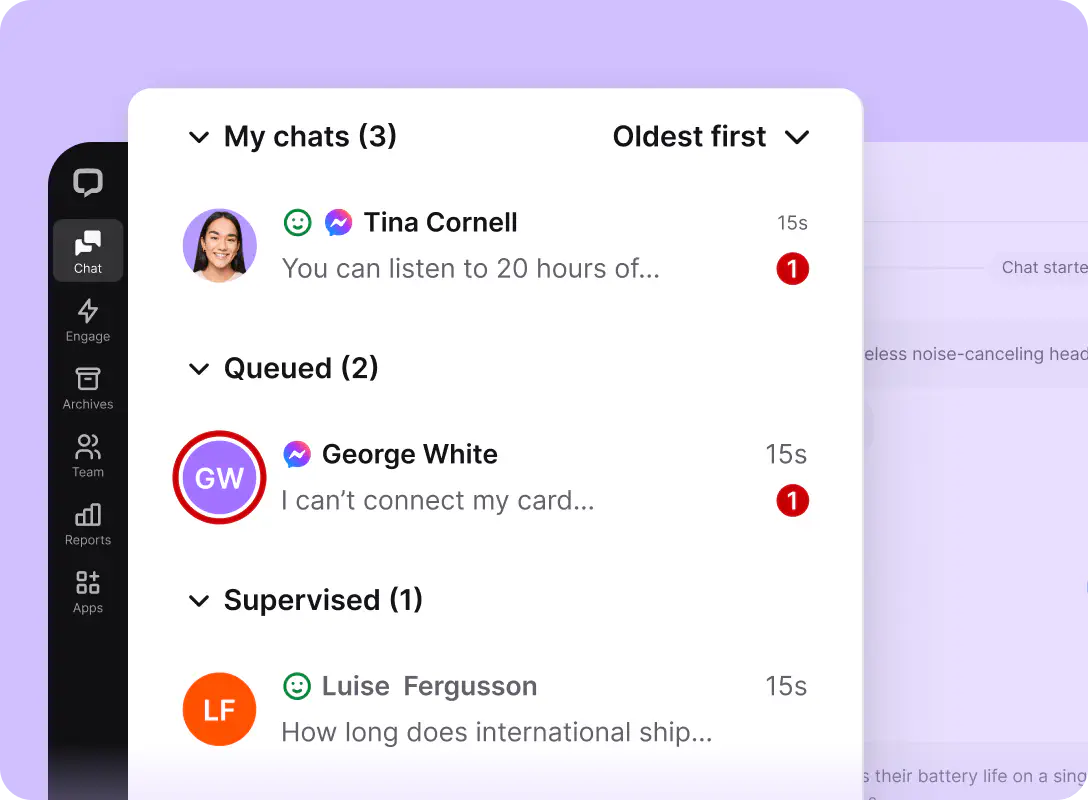
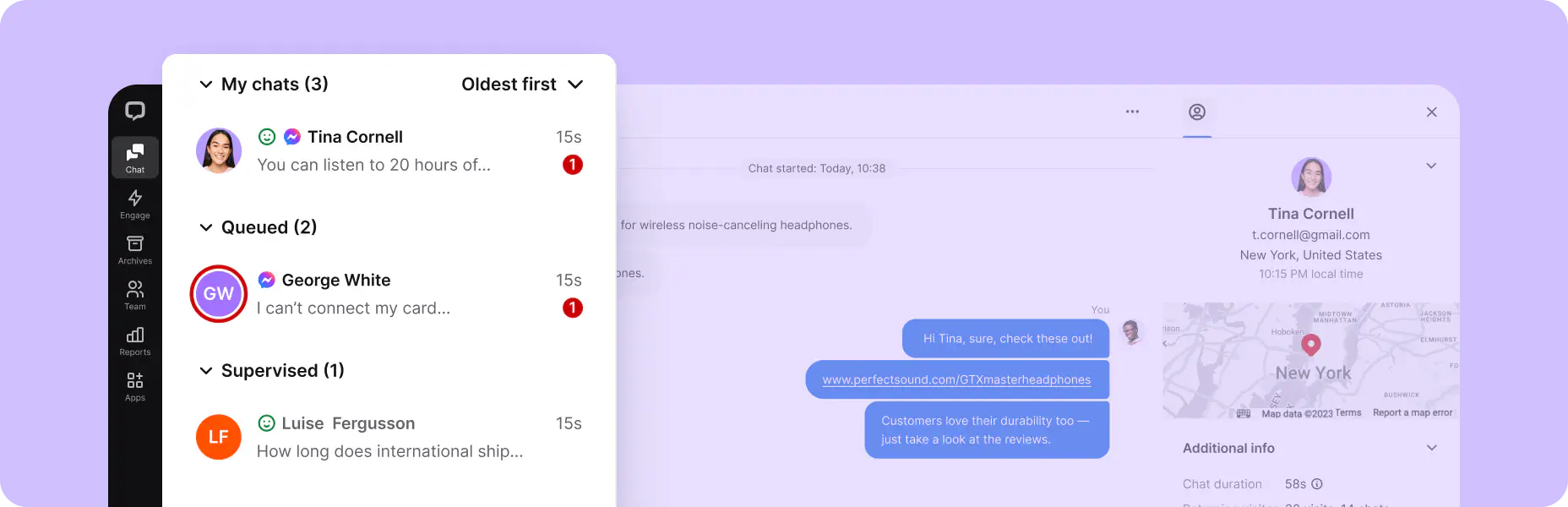
The chat list is split into three sections: my chats, queued chats, and supervised chats.
Chat feed
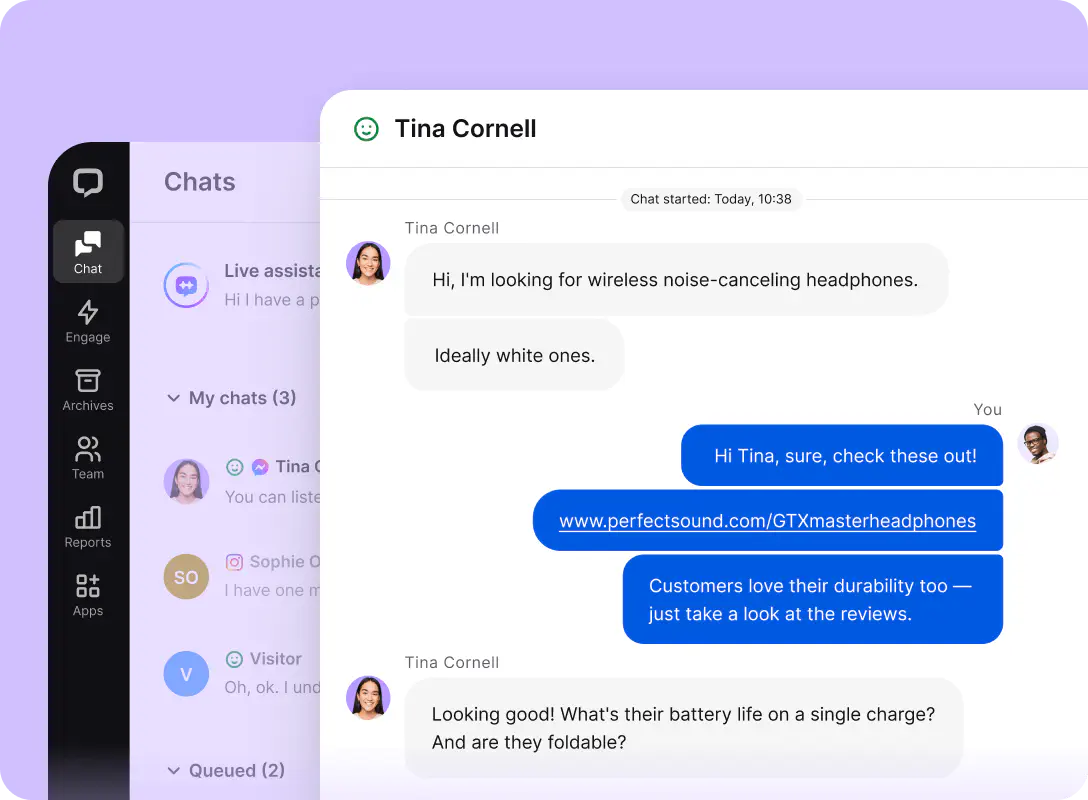
The chat feed is where the actual conversations take place. It hosts all the critical elements to have an actual conversation with a customer:
Chat history
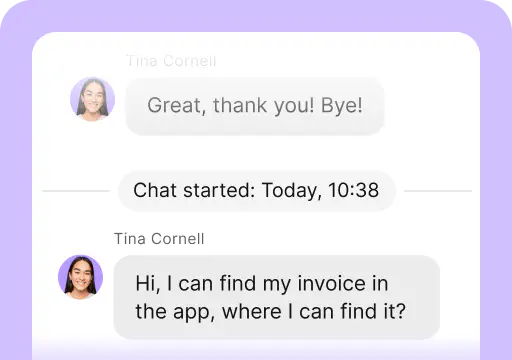
See the messages sent during the current conversation and those sent before.
Text area
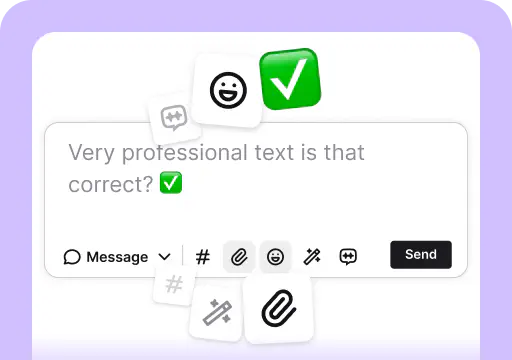
Type in your messages, add emojis, and share files like marketing materials, product catalogs, or guides.
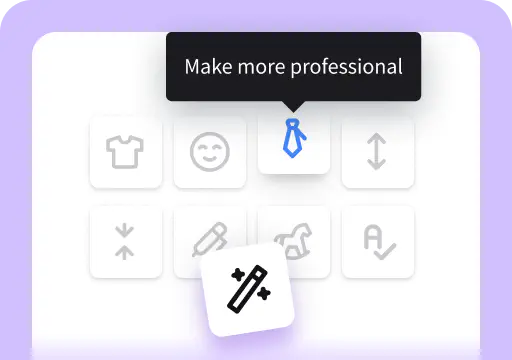
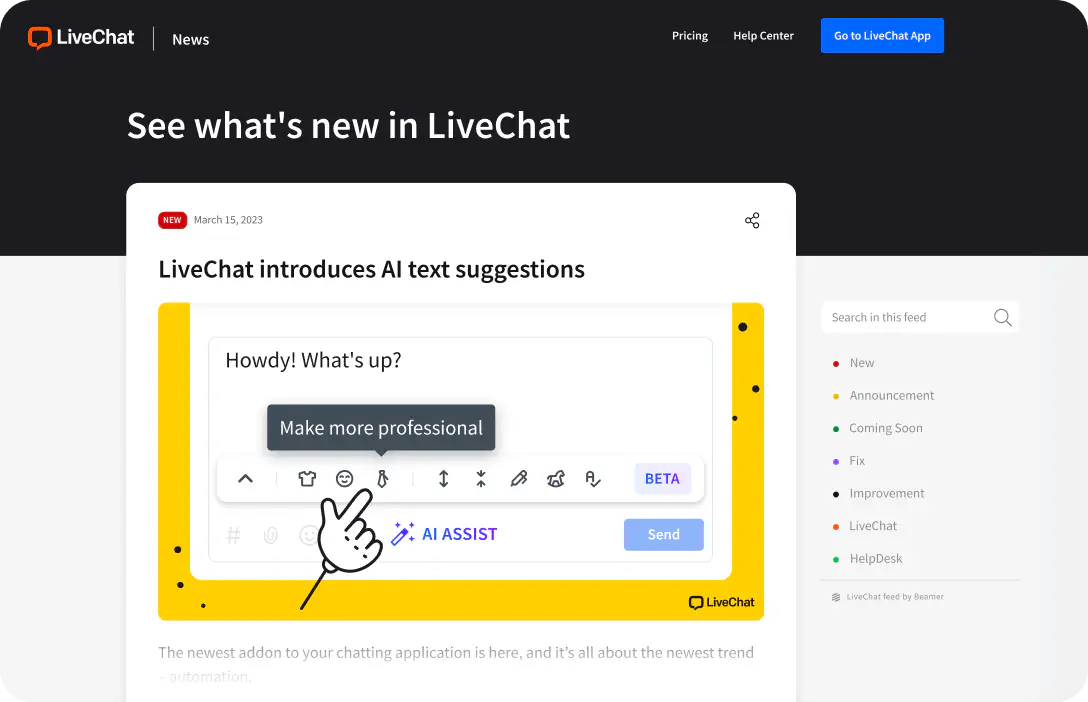
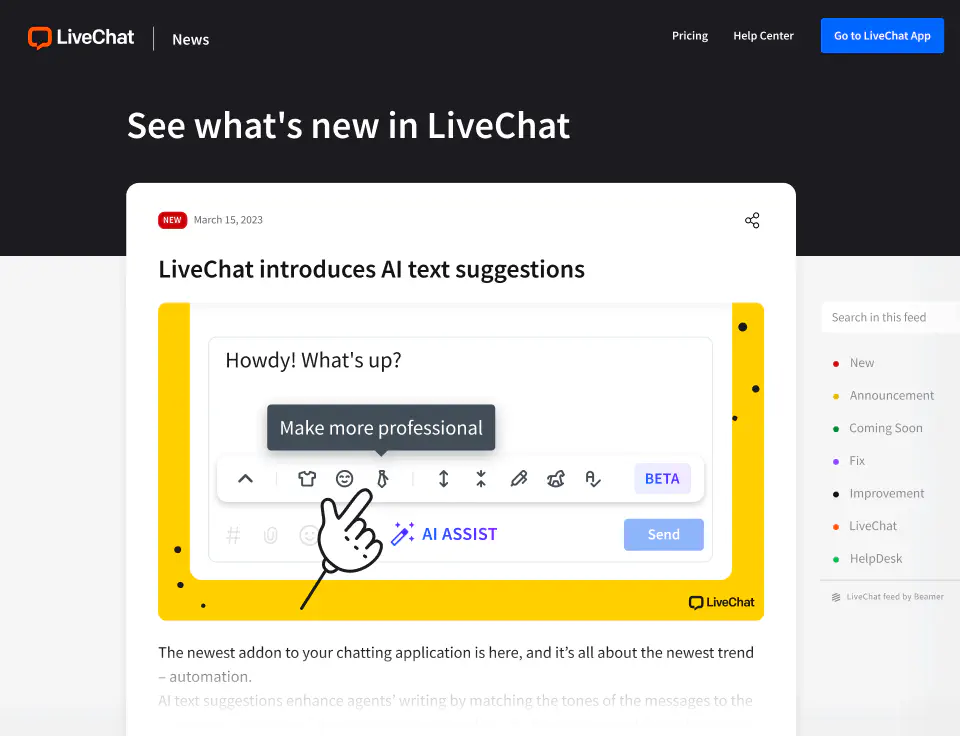
AI Assist
Expand, rephrase, and summarize what you wrote. Change the tone of messages, and fix grammar and spelling mistakes.
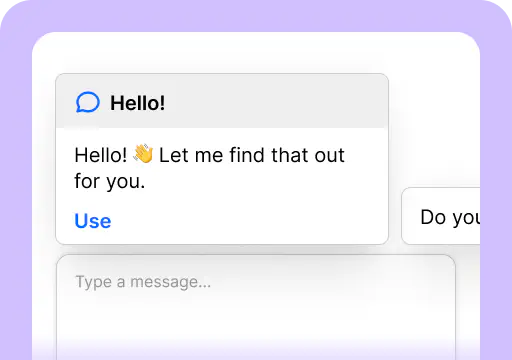
Reply suggestions
Match customer questions with suggested replies based on the knowledge sources you feed them, like your knowledge bases or product pages.
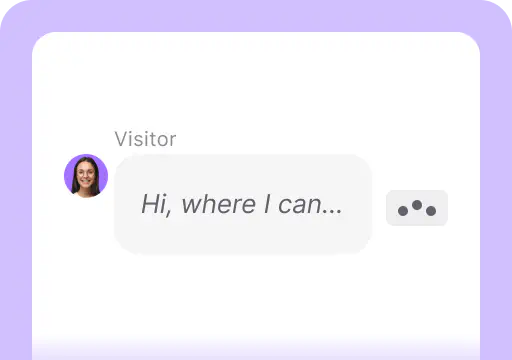
Message sneak-peek
See what the visitor is typing before they send it over.
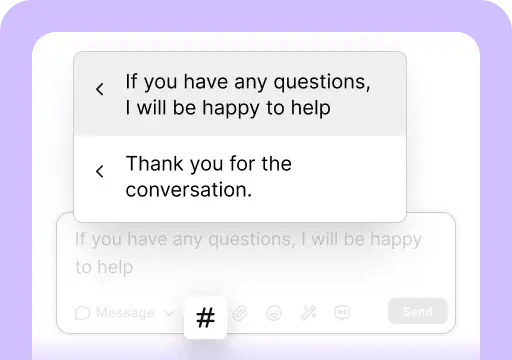
Canned responses
Use predefined messages that can store a large portion of text you can recall with keyboard shortcuts.
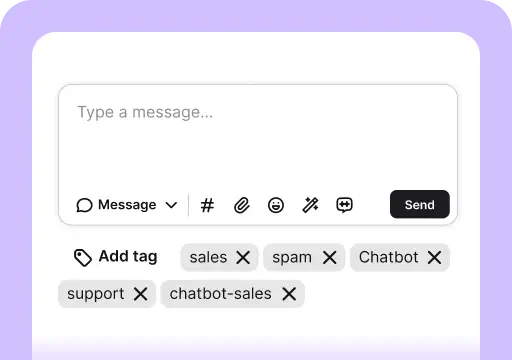
Tags
Categorize chats and help you easily find all conversations that deal with the same issue later on.
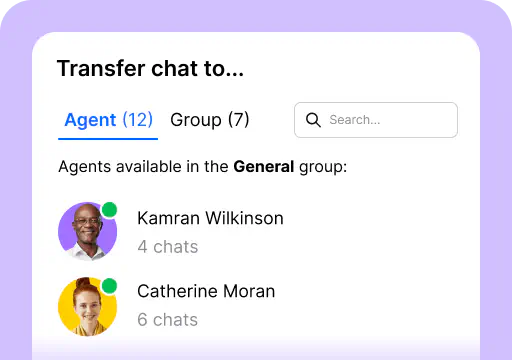
Chat transfers
Transfer a chat to another agent or group. Always make sure that the agent receiving the transfer is aware of the incoming chat.
Customer details
This is where you find useful information about the customer you are talking to so you can provide more personalized support. That includes:
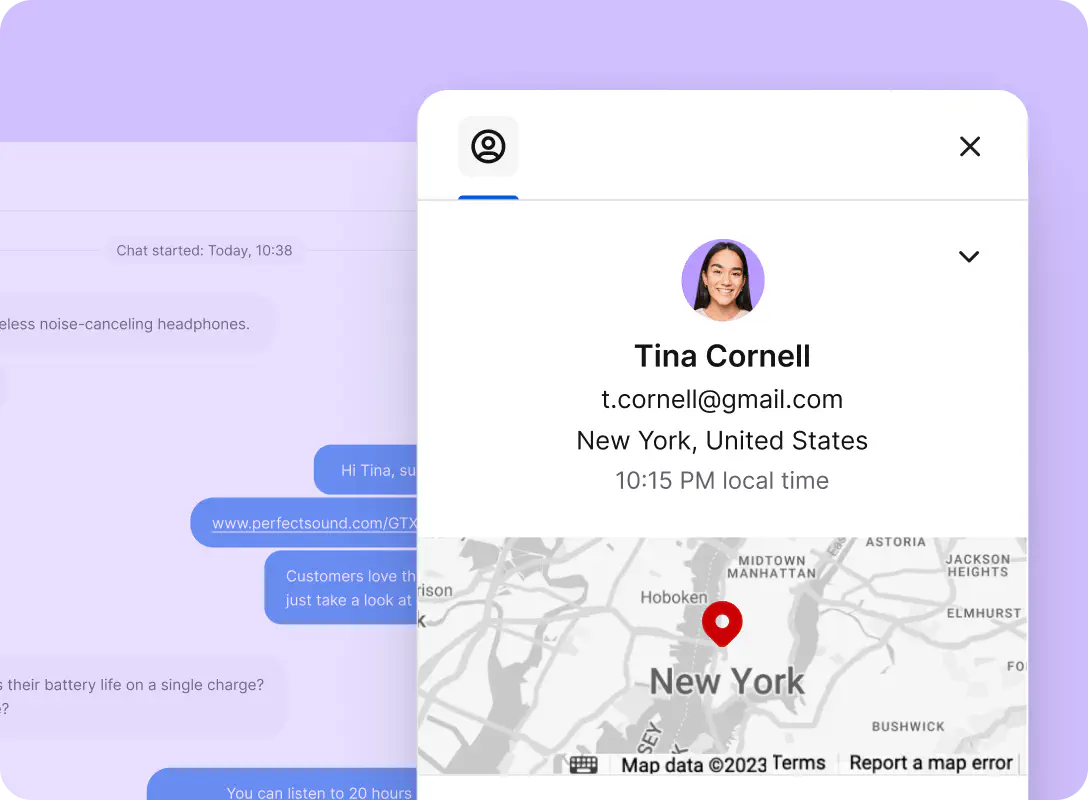
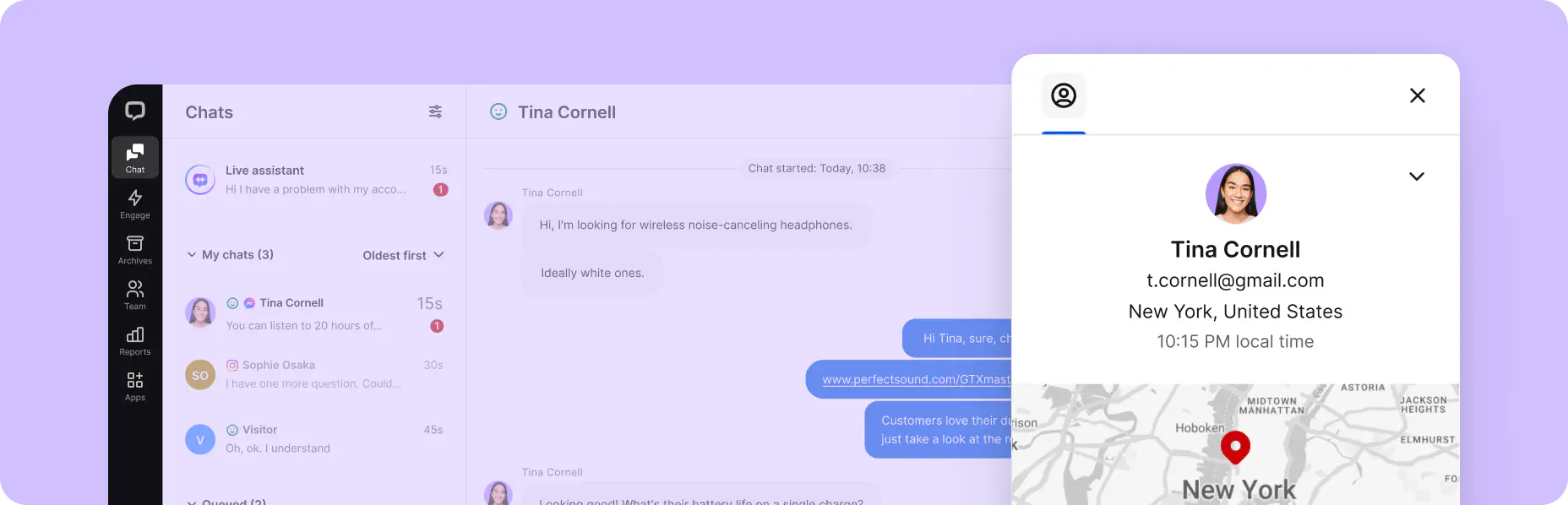
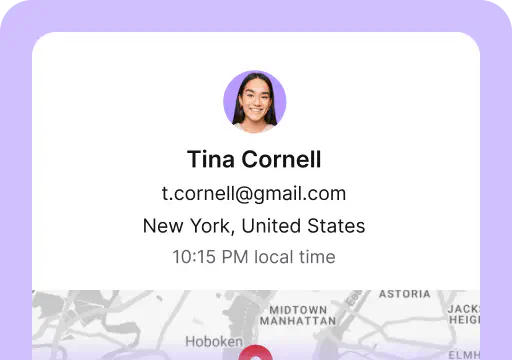
Contact information
See the name, email address, time zone, and location.
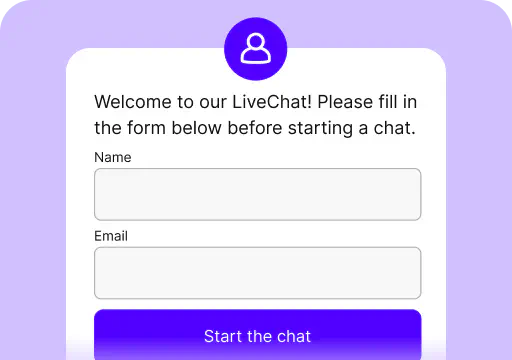
Pre-chat survey
See information provided in the pre-chat survey.
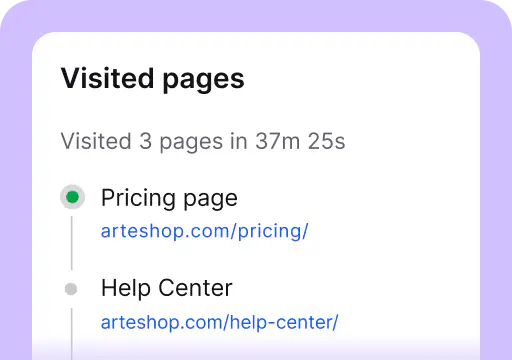
Visited pages
See the number of visited pages and time spent on all pages together.
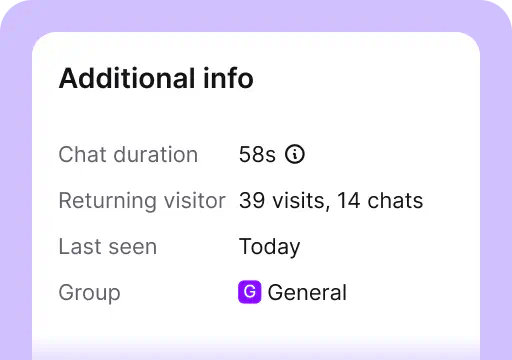
See the number of visited pages and time spent on all pages together.
See the number of previous visits and chats.
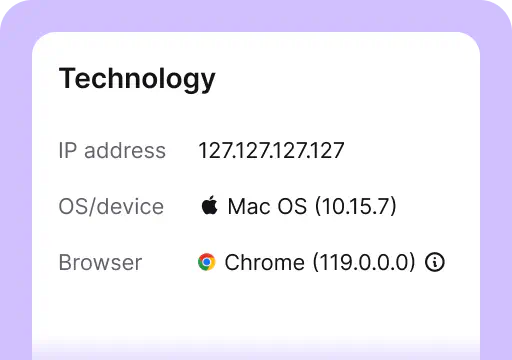
Technology
See a user’s device information.
Engage
04The Engage section sits just below the Chats section. For account owners and admins, it contains two tabs — Traffic and Campaigns — that you can use to engage website visitors manually or automatically. For agents, Engage only contains Traffic.
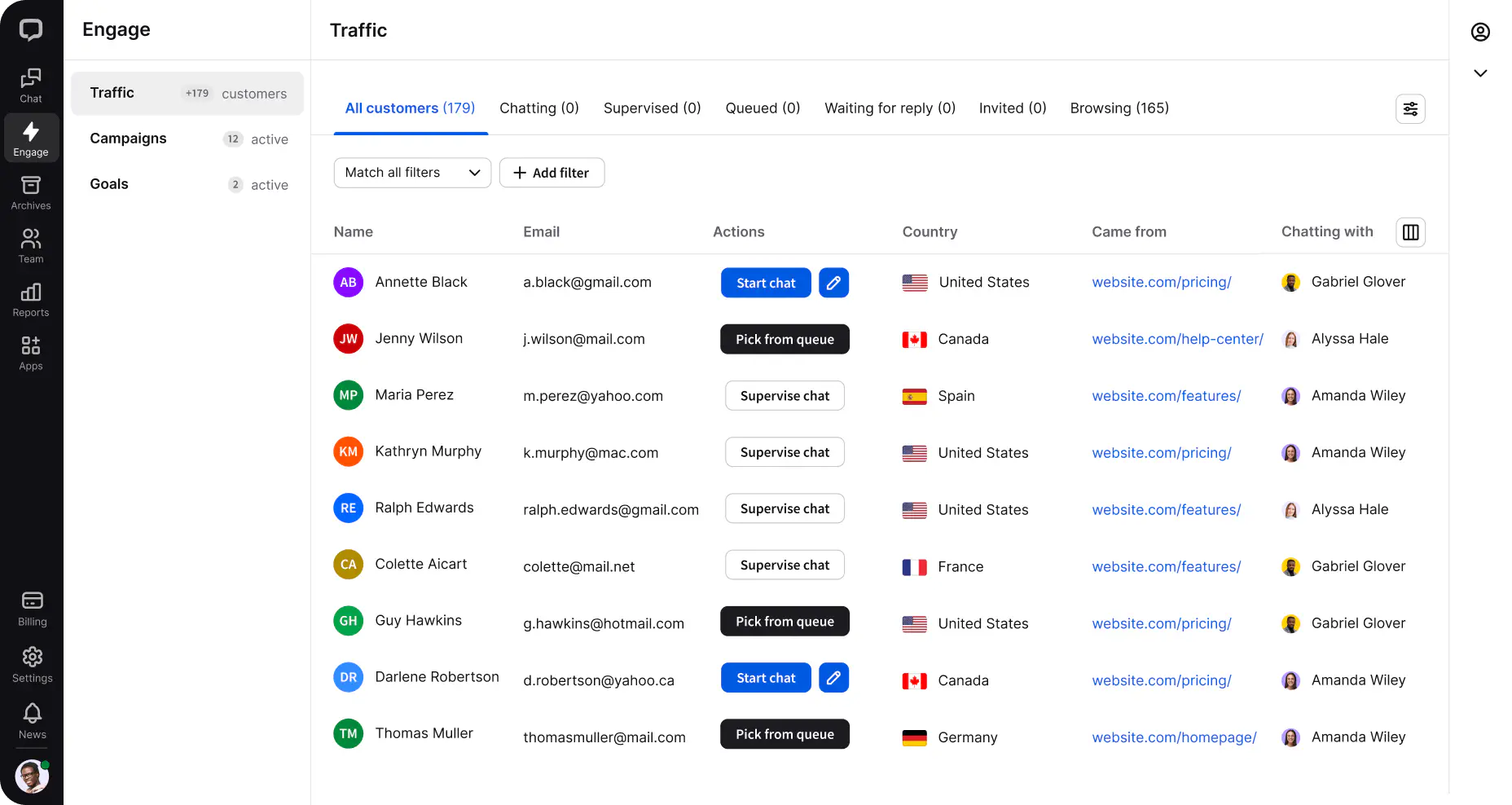
Traffic
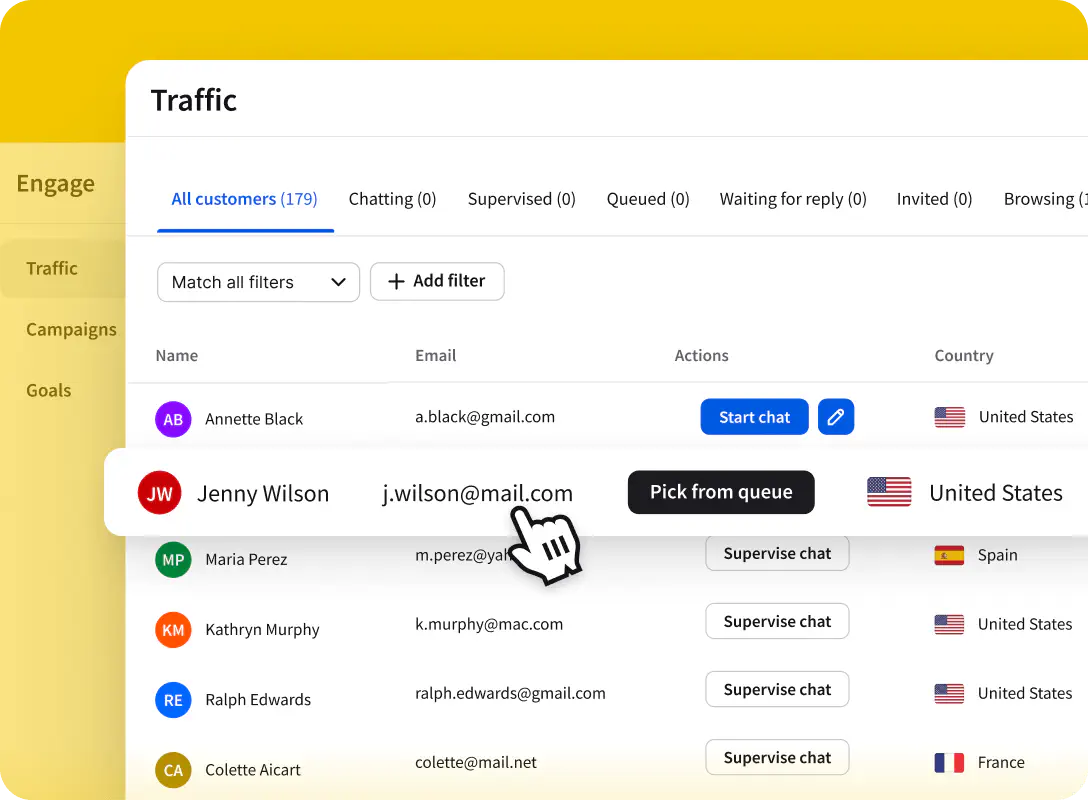
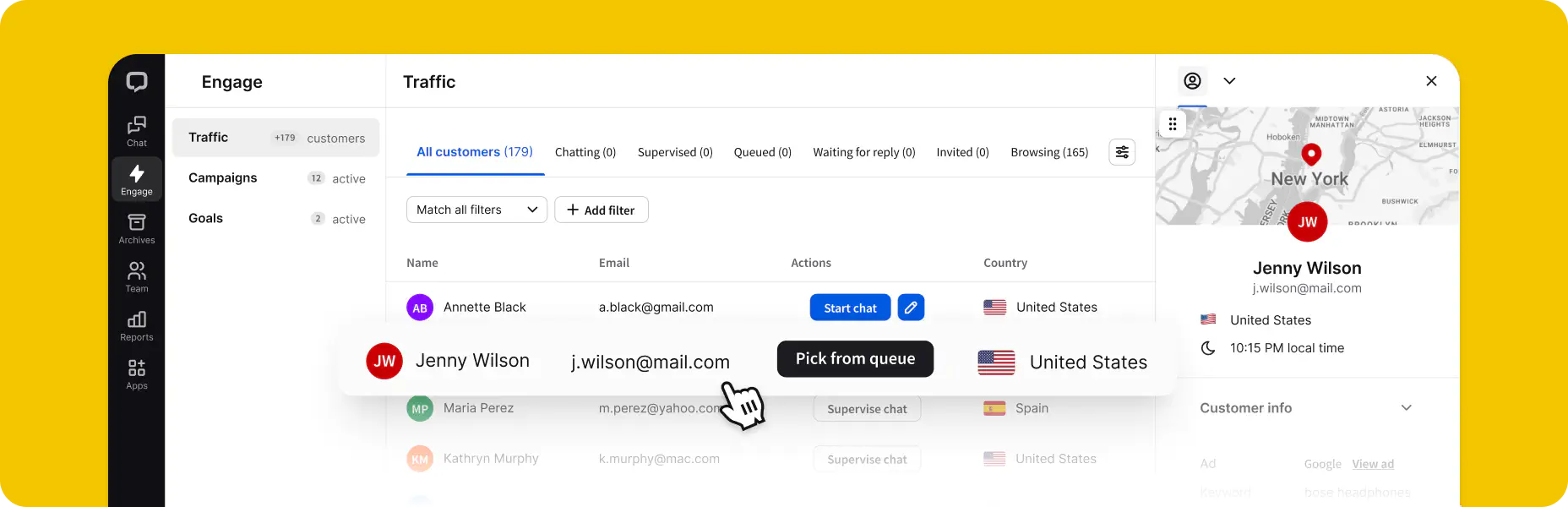
Traffic shows the list of current visitors on your website in real time and gathers customer data about them, including name, email, location, time spent on your website, and more.
Treat this section as a virtual representation of your website traffic. If you own an online shop, this section represents your shop. Visitors on different pages are like customers in different shop aisles. The Traffic section helps you get in touch with them and offer advice on their purchases. Use the data provided in this section to personalize your messages and win your customers’ hearts.
Campaigns
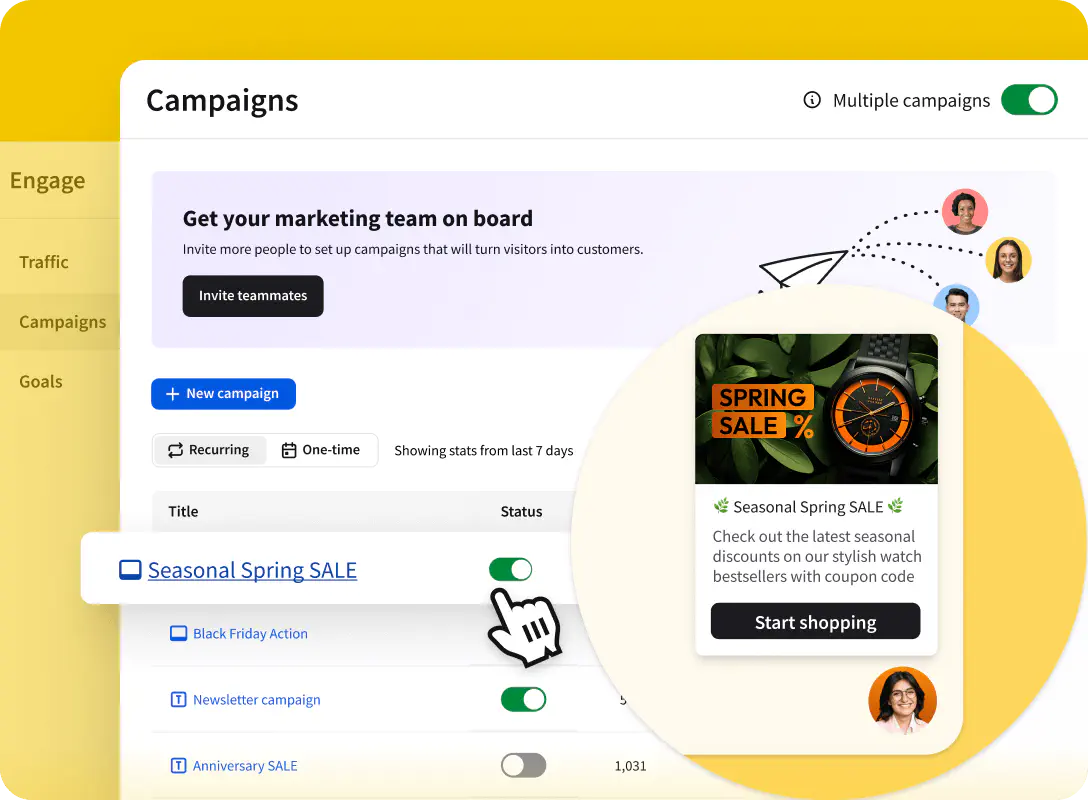
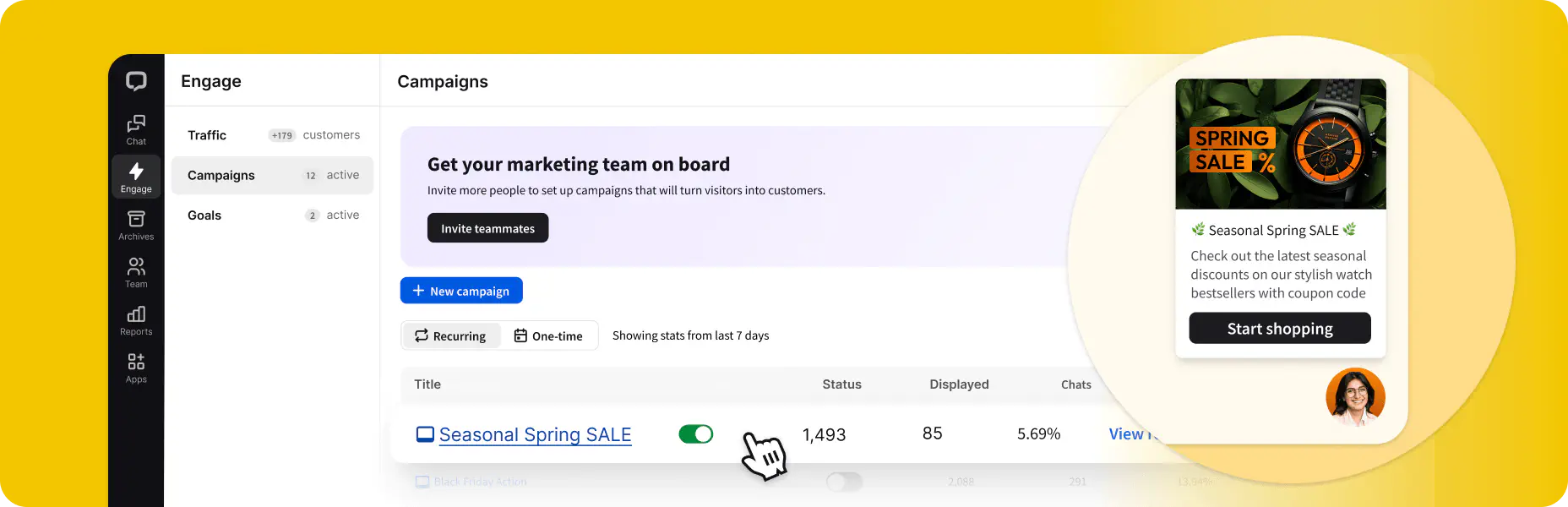
Campaigns let you welcome and support visitors on your website. They encourage visitors to talk to you or guide them through your website and products.
Use campaigns to share announcements, introduce new products, and support visitors when browsing your website. What's in it for you?
- More chats
- Improved visitor experience
- Better conversion from visitors to customers
- Increased customer satisfaction
Goals
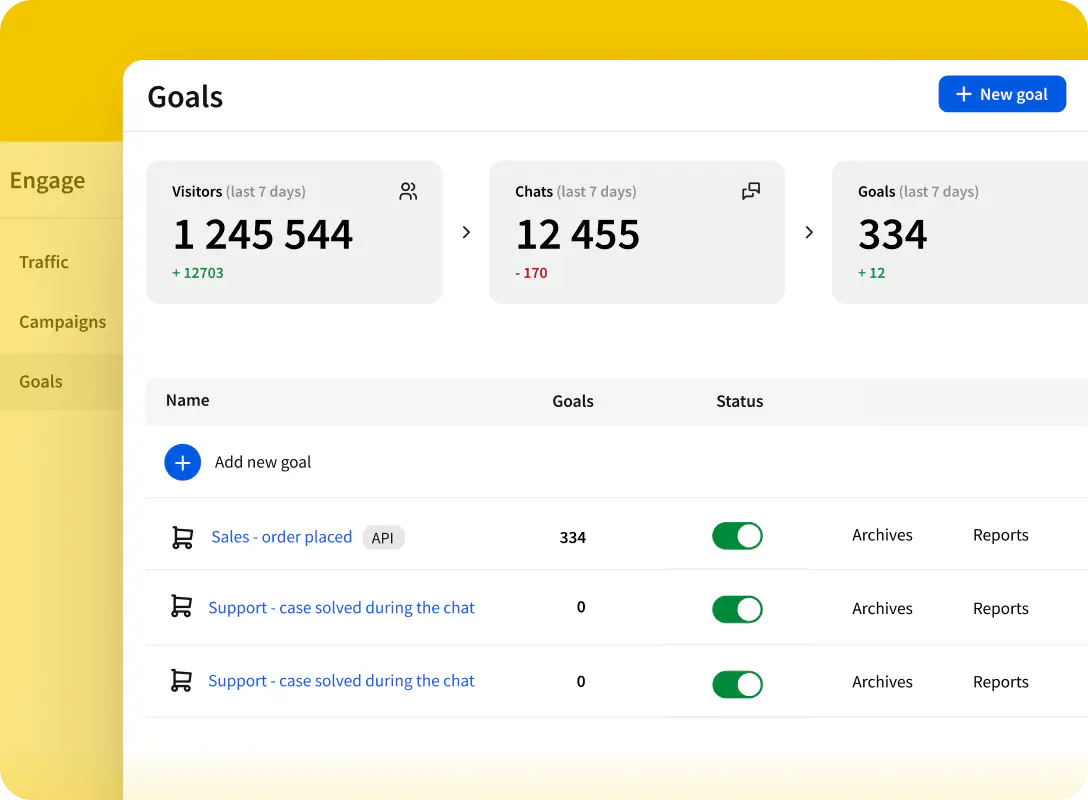
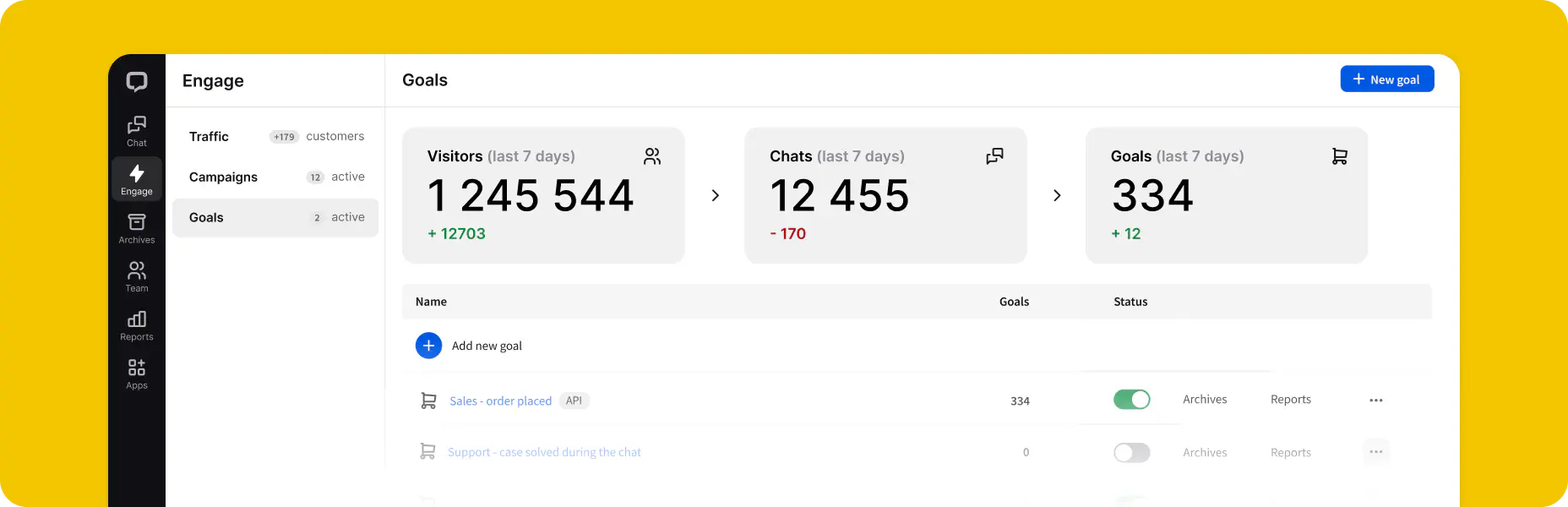
Goals is the latest addition in the Engage section. They let you measure almost any event happening on your website and credit it to a specific chat, including placed orders or the number of visitors landing on a specific page. Add, edit, and delete your goals, and if you want to track them, head over to the ecommerce reports in the Reports section.
Archives
05All of your past conversations are stored in Archives. They're invaluable when you want to look for patterns and repeating cases, train new agents using old chats, and simply check the conversation history of a certain customer. Just like the Chats section, Archives is subdivided into three key areas: archived chats list, chat feed and customer details.
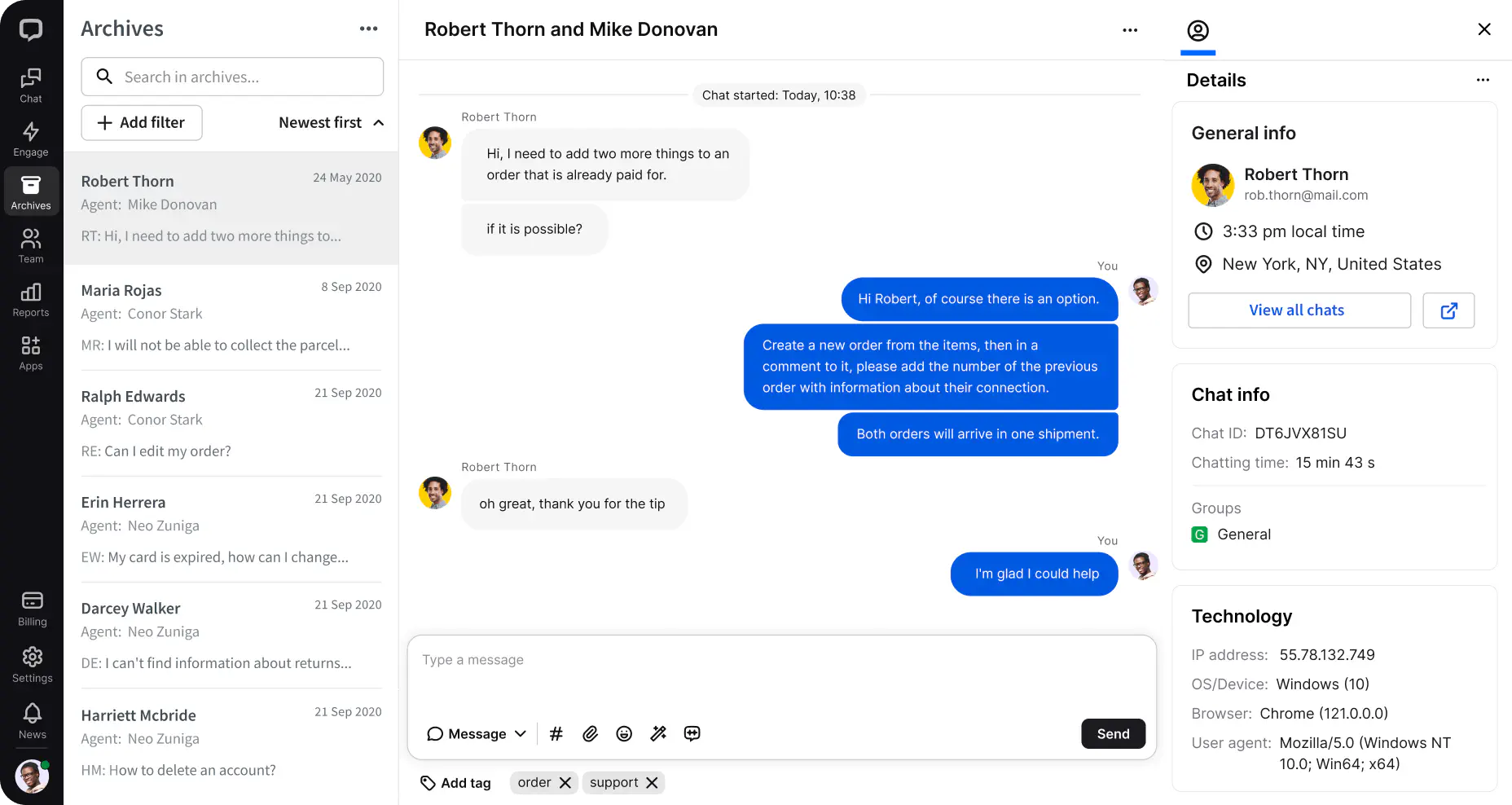
Chat feed
This is the equivalent to the one you know from the Chats section but for past conversations.
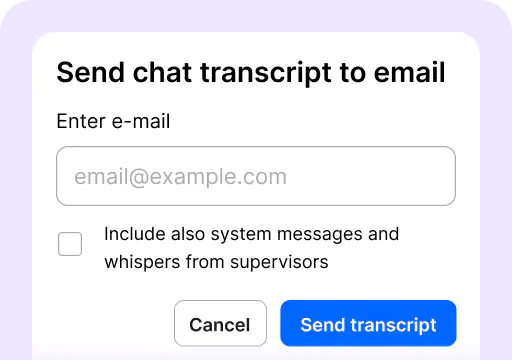
Transcript
Send a conversation transcript to your email or download it.
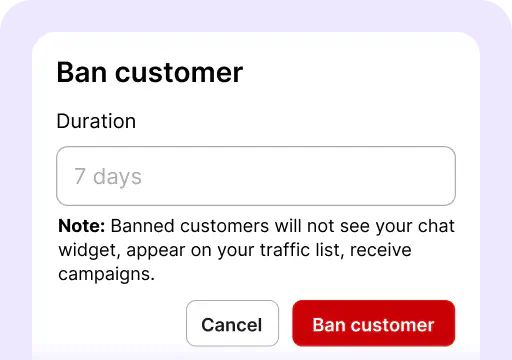
Ban visitors
Even if the chat ended, it’s still possible to block a customer.
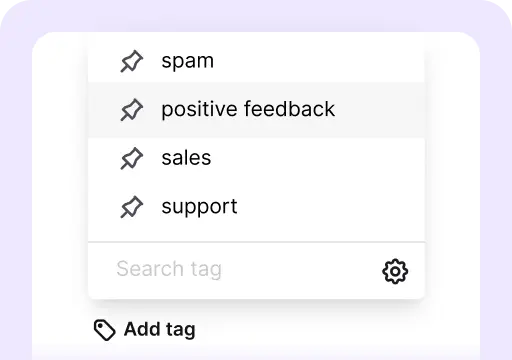
Tag chats
Choose the correct tags from the list, and pick multiple tags in one go.
Customer details
Get all the information about the archived chat, including:
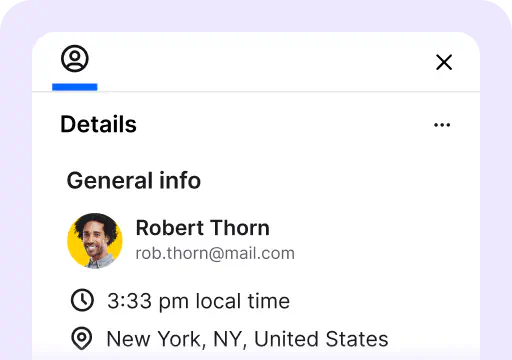
General info
See the name, email, and customer location.
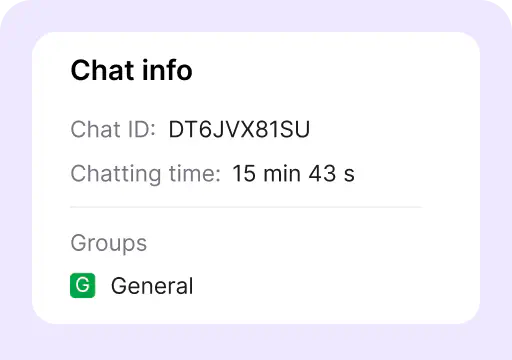
Chat info
See chat ID, queue time, page the chat started on, referring page, customer IP, groups that handled the chat, chat rating, and visitor’s comments.
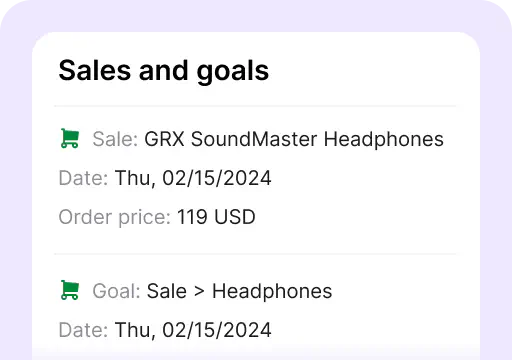
Sales and goals
See sales and goals data for a particular chat.
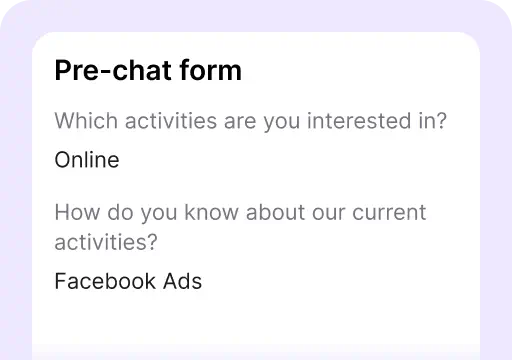
Pre-chat survey
See information entered in the pre-chat survey.
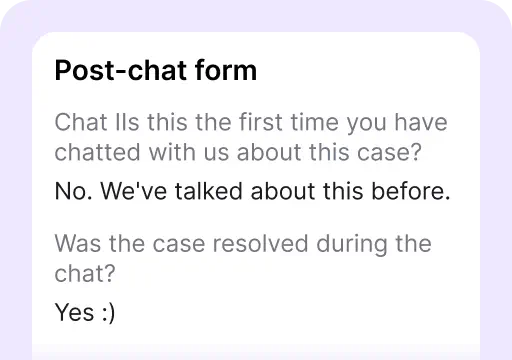
Post-chat survey
See information entered in the post-chat survey.
Team
06The Team section is where you manage customers and agents. First, you must add your agents to the LiveChat Agent app, which is the most important thing to do in this section. Invite people to your LiveChat Agent App by sending email invitations or sharing an invite link.
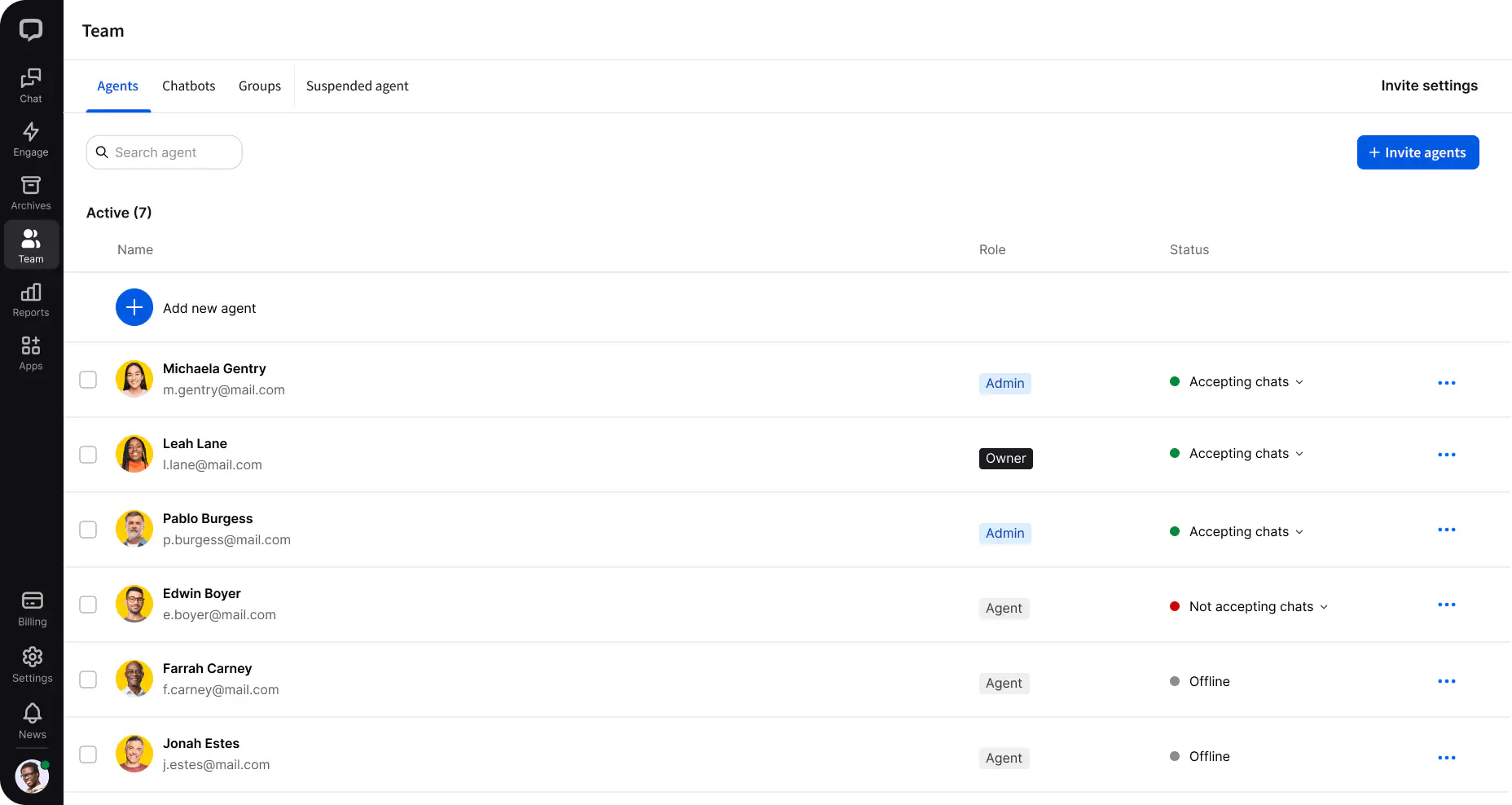
Agent Availability
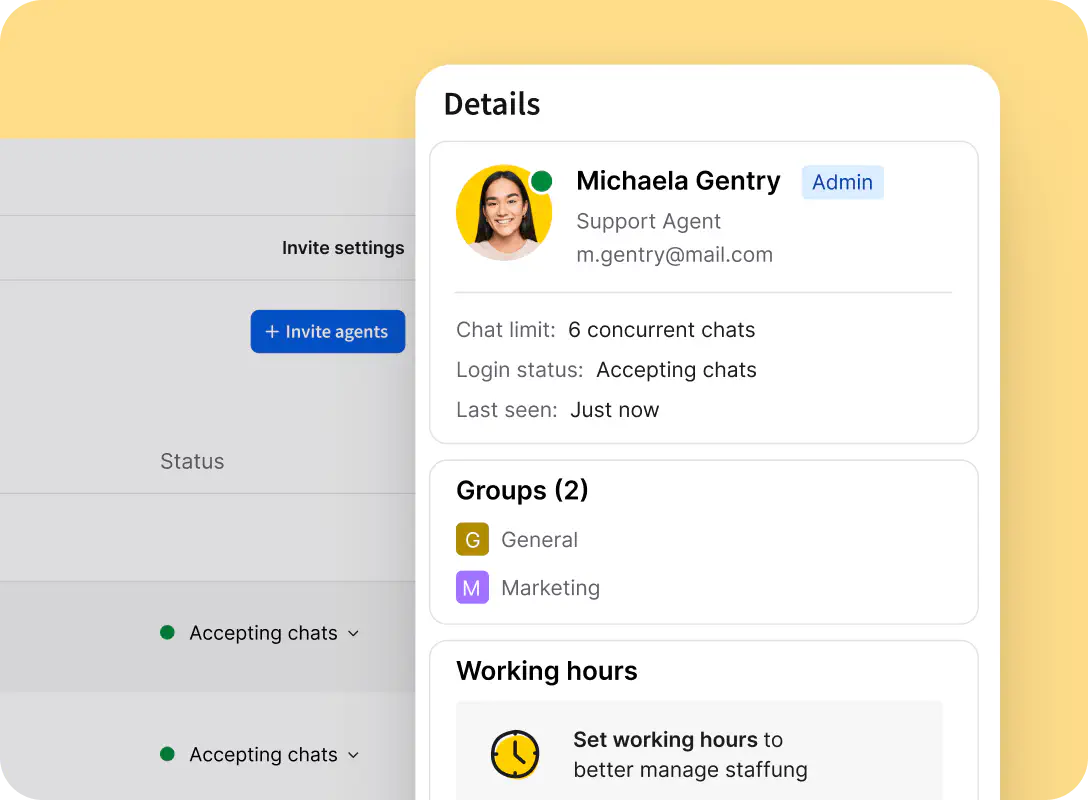
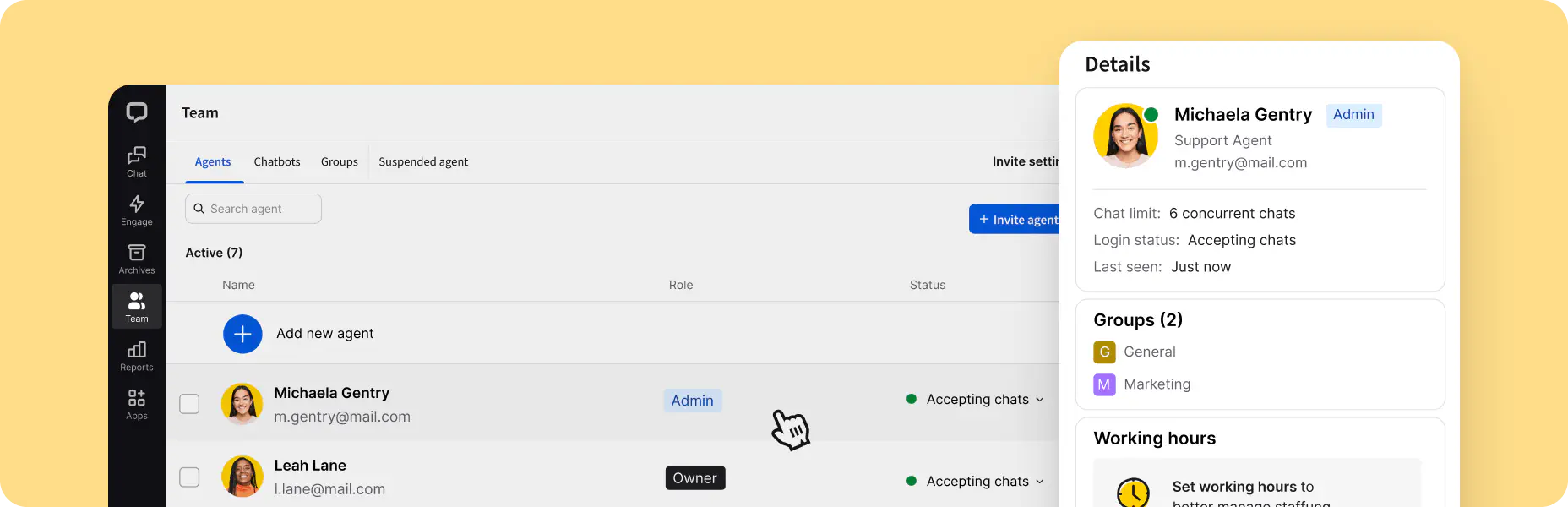
Once your team is added, you can edit their availability in bulk. Select all the agents you need, and then pick Availability settings. Decide if your agents should be available for chats as soon as they log into the LiveChat Agent App or if they should have time to switch to accepting chats themselves.
Alternatively, you can set working hours so that as long as the agent is logged in, they will become available for chat when their assigned shift starts.
Reports
07Reports give you an overview of LiveChat and your agents' performance. Reports are available on the Team, Business, and Enterprise plans. If you are on the Starter plan and want to check out the reports before upgrading, feel free to go to livechat.com and start a chat with us.
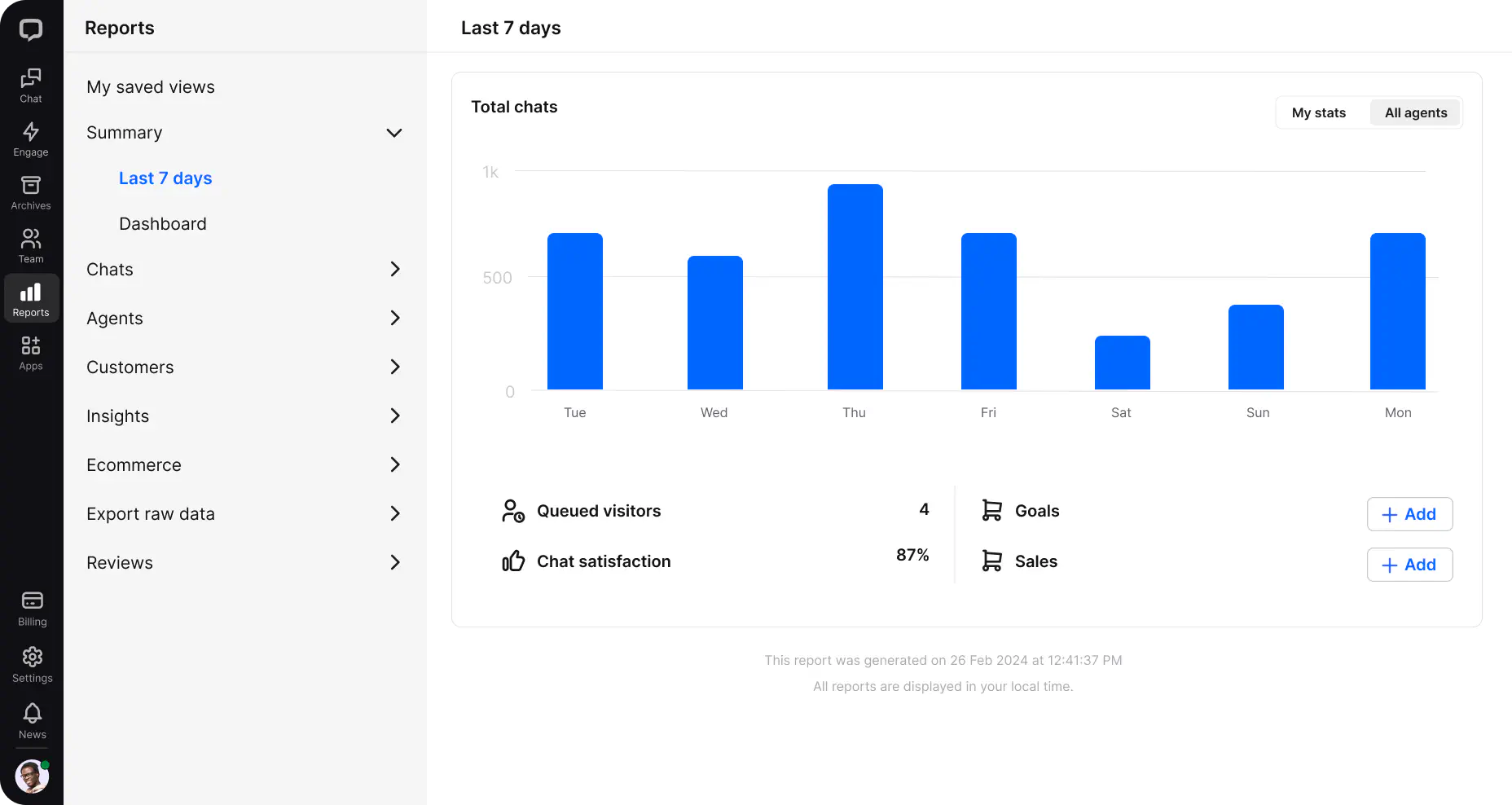
What are the most important reports you should look at? Summary:
Last 7 days report
The Last 7 days report tells you what is going on in your license, showing metrics like the number of chats, sales, or ticket and chat satisfaction.
Dashboard
The dashboard shows key LiveChat metrics all at once, and you can actually display it on your wall and monitor.
Chats
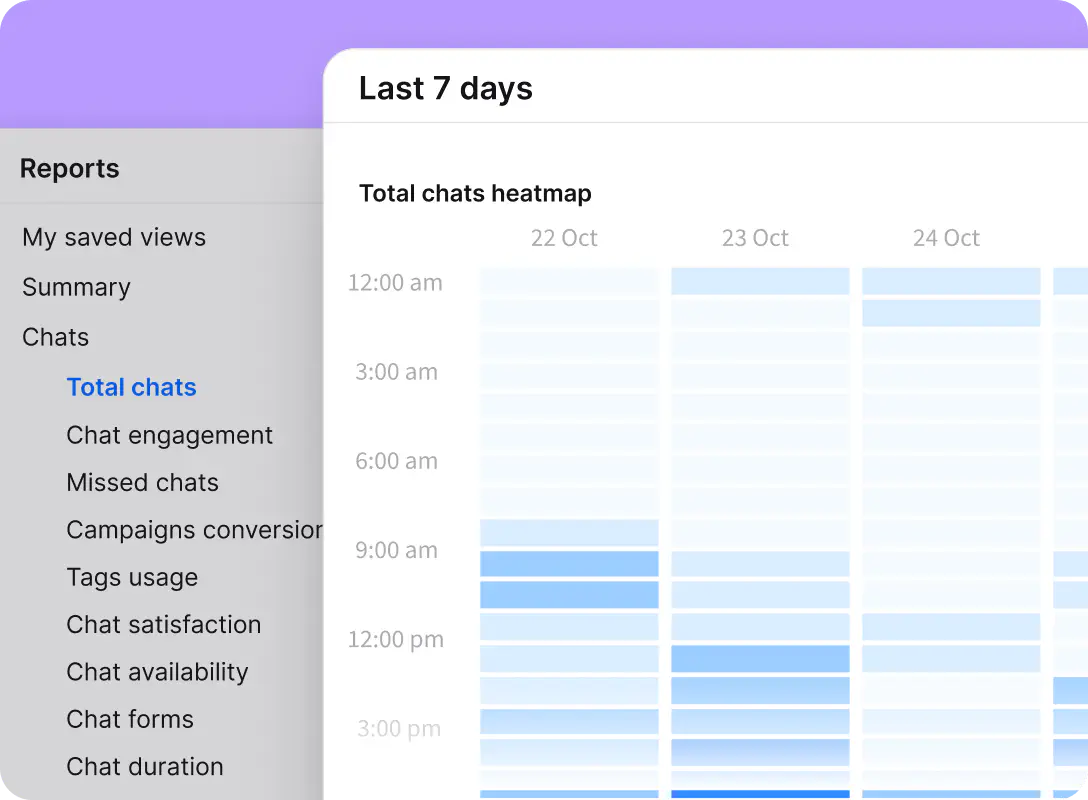
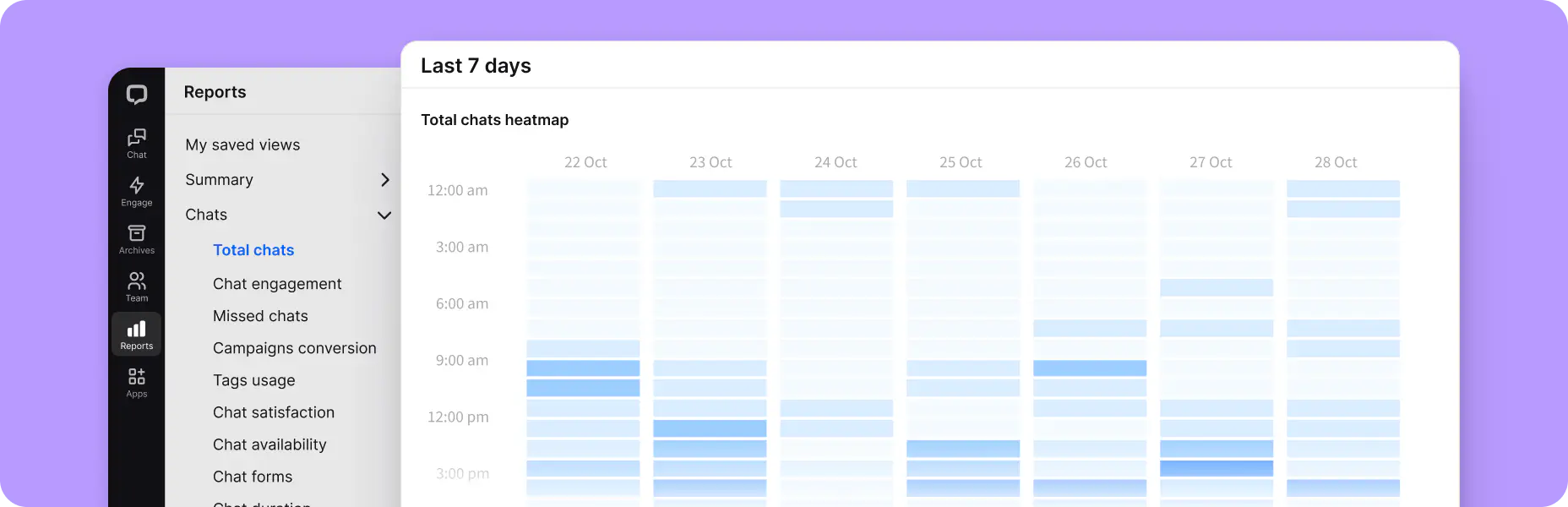
This is where you’ll find all the reports from your chats — from the number of chats per day, and hours of activity, to the form in which your customers initiate a conversation with your agents, the number of missed chats, and customer satisfaction.
Agents
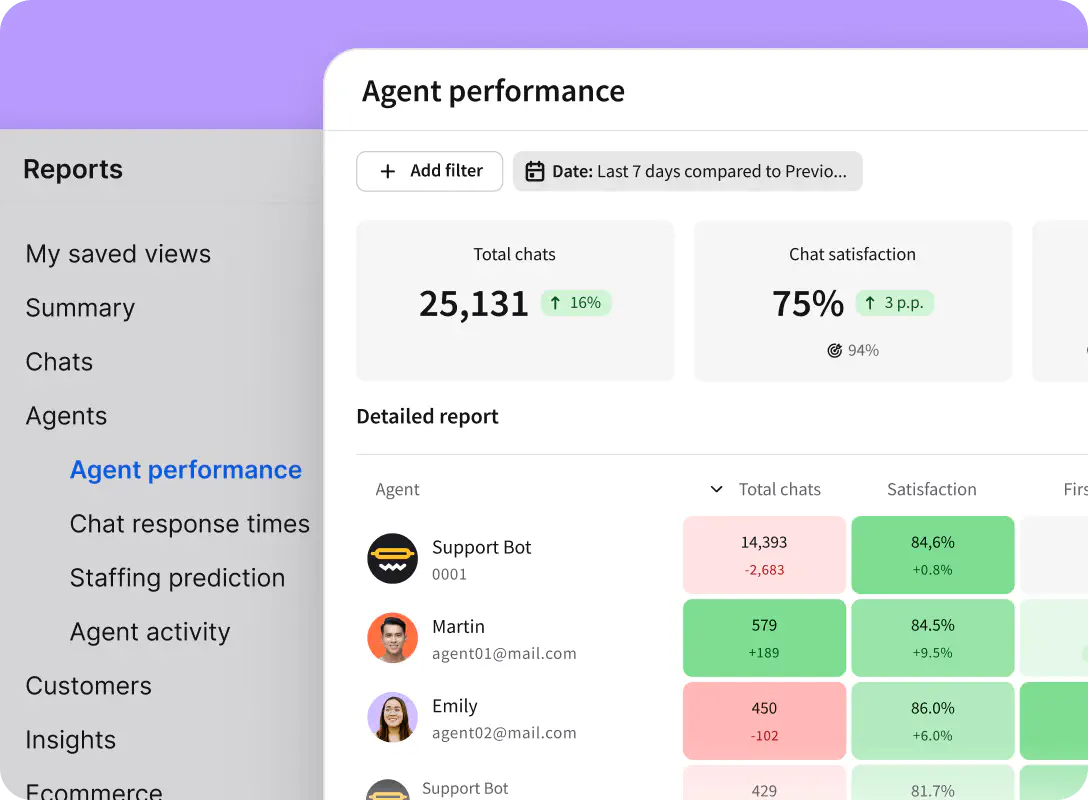
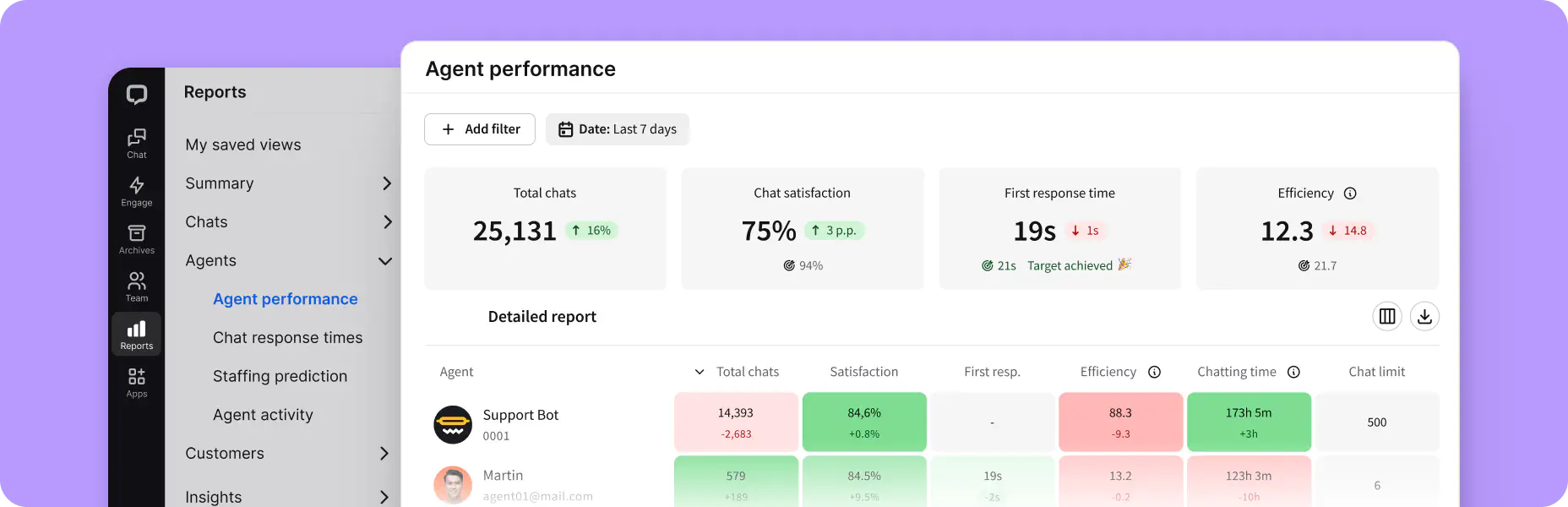
You can find your agents performance report, chat response times, staffing prediction, and agent activity reports here.
Customers
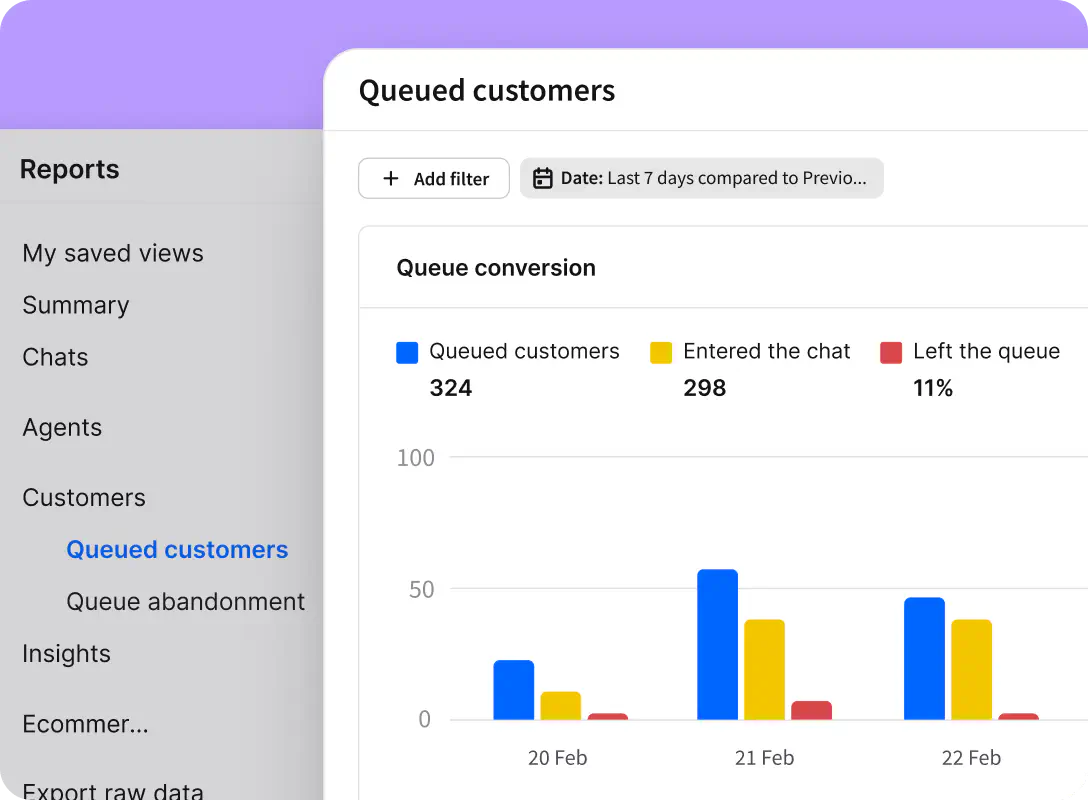
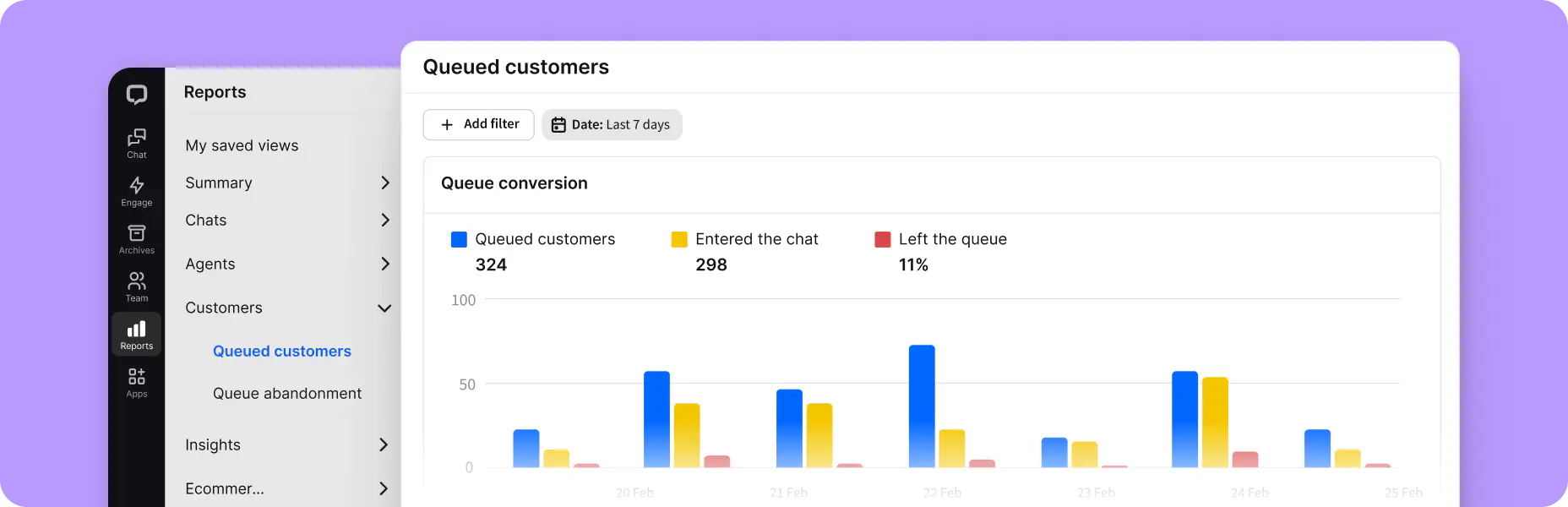
Here, you’ll find the queued customers report and queue abandonment report. The queued customers report shows how many customers waited in the queue and how many left before getting connected to an agent, while the queue abandonment report is the list of visitors who left the queue before talking to an agent.
Ecommerce
We have 2 reports here:
- Achieved goals report, where you can see how many goals you accomplished.
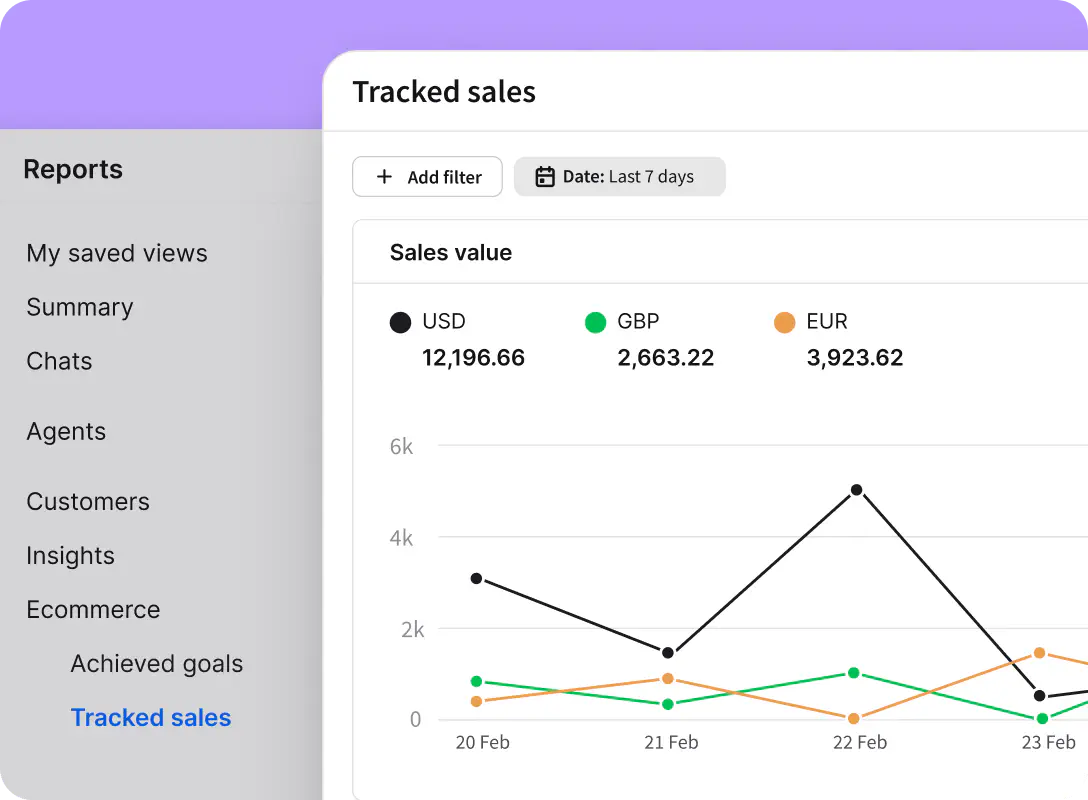
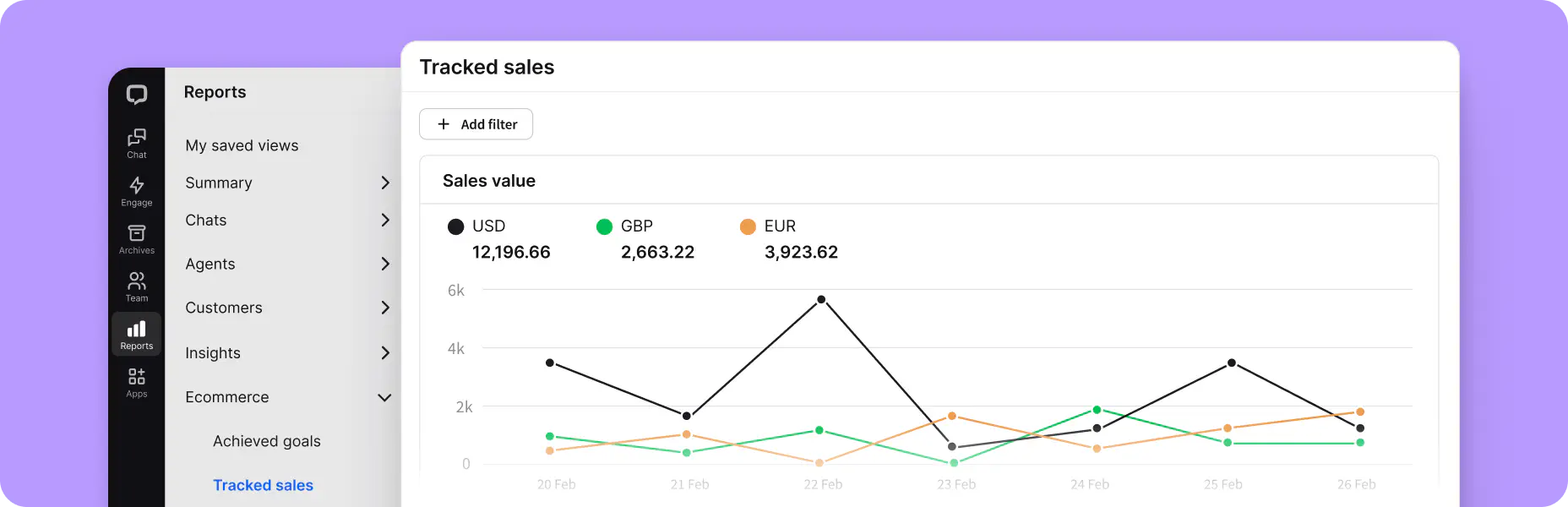
- Tracked sales reports. You must install the Sales Tracker to your online shop to see which chats bring you revenue. It can help you measure how many sales you made and precisely how much money they brought to your business. If sales are an essential part of why you are using LiveChat, then keeping track of this report is a must.
Apps
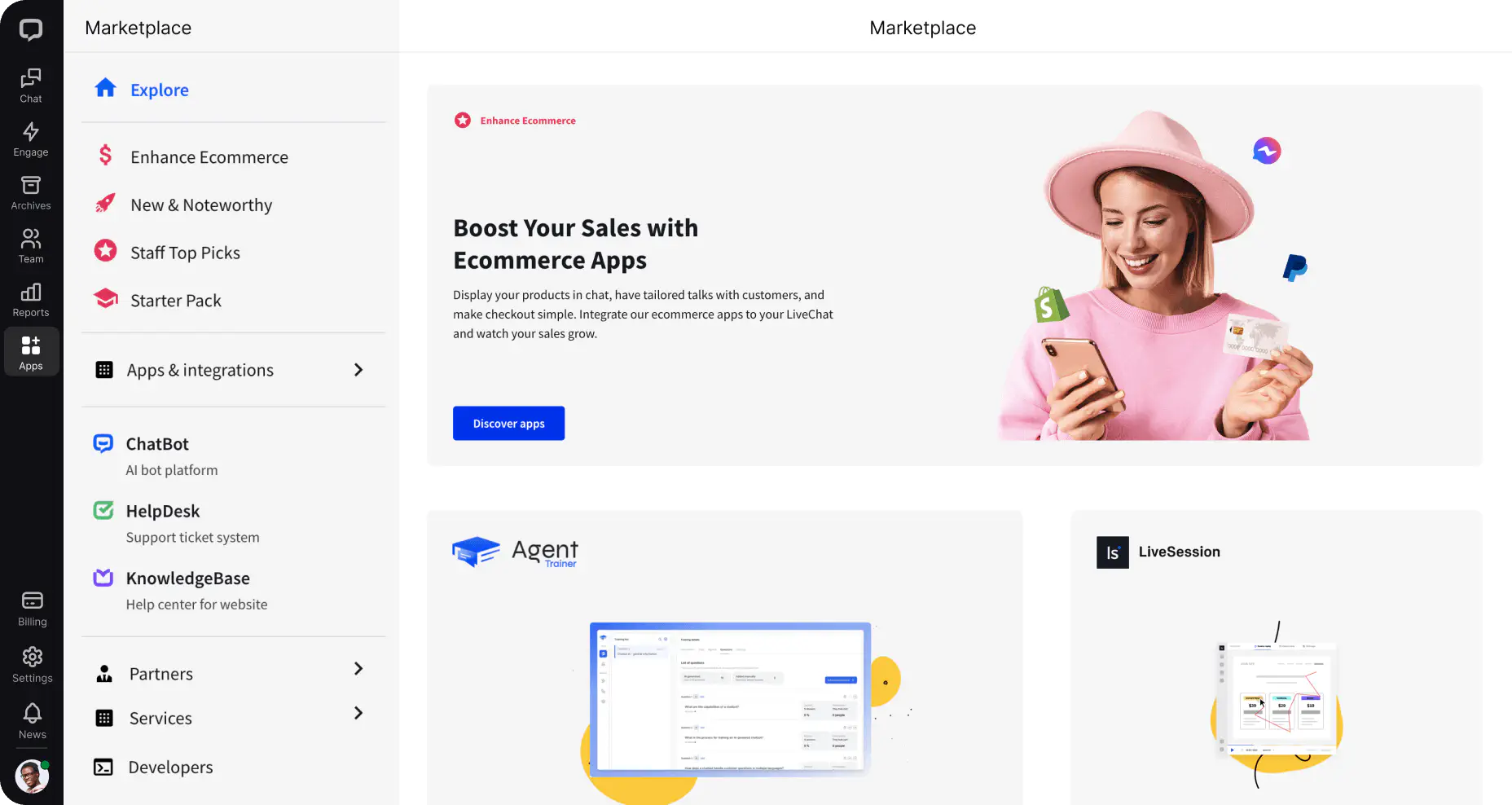
08The LiveChat Marketplace offers over 200 integrations, including those from our product family and third-party apps. Connecting LiveChat with the apps you already use daily will make your job easier and help improve customer engagement.
Your whole sales stack in one place
While all of the 200+ integrations enhance your experience with LiveChat, you should start with these three categories to better organize your sales efforts.

Communication channels
Receive and respond to all your messages from across other communication channels directly from the LiveChat Agent App.
Ecommerce plugins
See your customer’s cart and information. Suggest products and see the customer’s order history in the customer details tab.
CRM integrations
Create leads from chat and see all your customer details in the agent app to better tailor the communication to a particular customer.